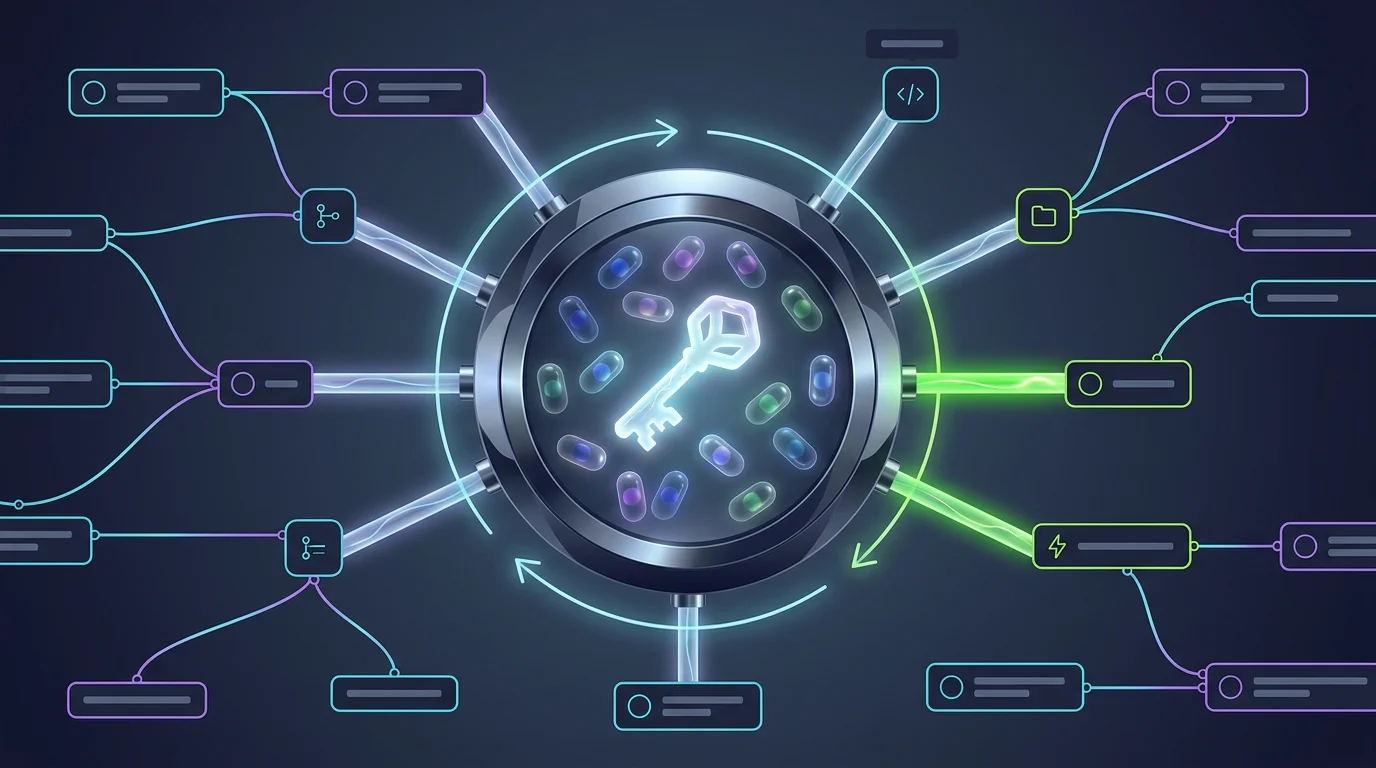
Credential sprawl is how automation projects become security incidents: tokens pasted into configs, the same API key duplicated across a dozen tools, and nobody sure what breaks if it rotates. FluidGrids centralizes all of it into workspace connections.
An admin opens the integrations area, picks a provider from the catalog, and creates a connection — an API-key provider gets a schema-driven config form, an OAuth provider gets the full consent redirect flow. Either way the result is a named, workspace-scoped connection with a connected status the whole team can see.
In the builder, a connector node's configuration includes a connection selector filtered to providers that match the node's declared credential adapter — your Slack node lists Slack connections, nothing else. Designers pick from what admins have approved; they never see or handle raw secrets. If the right connection doesn't exist yet, it can be created inline without leaving the canvas.
The separation is enforced at the data layer, not by convention: saved workflow definitions contain connection references only. Inspect the stored definition and you'll find no tokens, no keys, no secret material. Credentials are resolved server-side by the execution workers at run time, per operation.
That's what makes rotation a non-event. When the Slack token rotates, you update one connection — every workflow that references it picks up the new secret on its next run, with zero workflow edits. And because connections are workspace-scoped, one client's or one team's credentials are structurally invisible to every other workspace.
Ready to make this your story?