
Describe the automation. FluidGrids builds it on your canvas.
An assistant that reads the connectors you actually have and leaves you a real, versioned workflow — plus AI agents you assemble on the canvas and watch run, step by step.
Running an automation was never the hard part. Building one is — knowing which connector exists, what it needs, and how the pieces fit together.
So the AI reads your workspace first, copies a workflow already proven to run, and hands you a draft you approve before anything goes live.

Everything below is labelled with where it actually stands in FluidGrids today — shipped, in progress, or on the roadmap.
AI-native by architecture, not bolted on
Four architectural choices that make AI a first-class part of FluidGrids rather than a chat window on the side.

AI aimed where the work actually is
Not a chat bubble on a canvas. The assistant does the expensive part — knowing your connectors well enough to build something that runs.

Grounded in your workspace
Every request starts by reading the connectors your workspace really has. If nothing fits, it says so rather than inventing a step that fails.
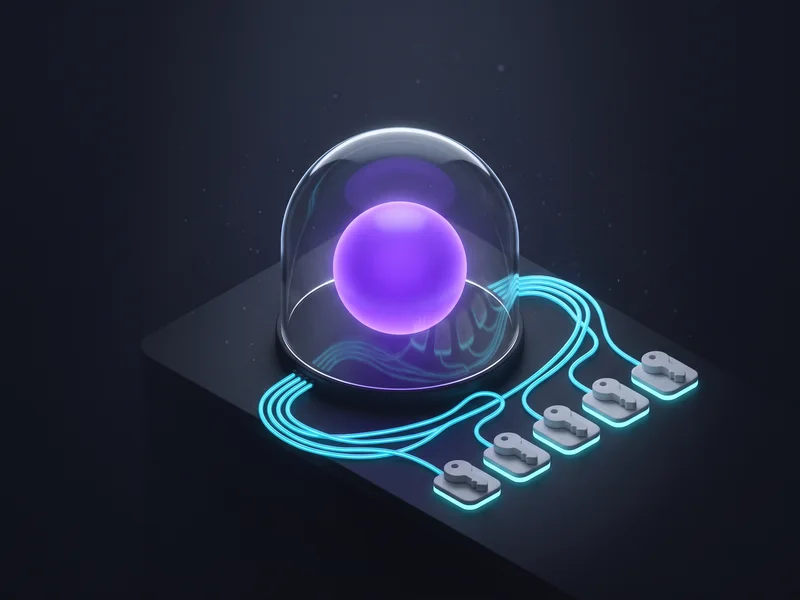
The AI decides; FluidGrids acts
The agent gets your model settings and nothing else — no keys, no reach into other steps. FluidGrids makes every call on its usual secured path.

An agent is just another step
Versions you can roll back, per-step history, clear errors. Everything true of a FluidGrids workflow stays true when that workflow contains an agent.
From intent to a governed action
Walk the path a request takes. Select any stage to see what happens there and what backs it.
Stage 1 of 5 · Context
It knows which screen you are on
Your request carries the workflow, run, connection or vault you happen to be looking at.
Ask “add a Slack step to this one” and it works, with no identifiers to paste. Only which item you are viewing is shared, and list pages are left out by name, so the assistant never tries to edit a workflow called “new”.
What the AI in FluidGrids actually does
Filter by delivery status, then open any capability for the detail and what backs it. No capability is listed as shipped without something in the product behind it.
Where the AI shows up
The places AI meets the work in FluidGrids — and how far each one has actually got.
In-app assistant (two modes)
ShippedOne assistant, two jobs: build the workflow you describe, or build a whole new connector for a service you do not have yet.
- Available on every screen, aware of the workflow, run or connection you are viewing
- Builds real, versioned workflows grounded in the connectors you actually have
- Build-a-node mode returns a complete downloadable connector, assumptions stated
See it as a real scenario
Every AI capability above shows up in a concrete FluidGrids story. Open one to read the full walk-through.
 Ask for the automation — it appears on your canvasThe assistant reads the connectors you have, copies a workflow proven to run, and leaves you a real versioned draft.Read the story
 Describe an integration — get a whole connector backThe second assistant mode builds the entire connector, agent tooling included, and hands you a zip.Read the story
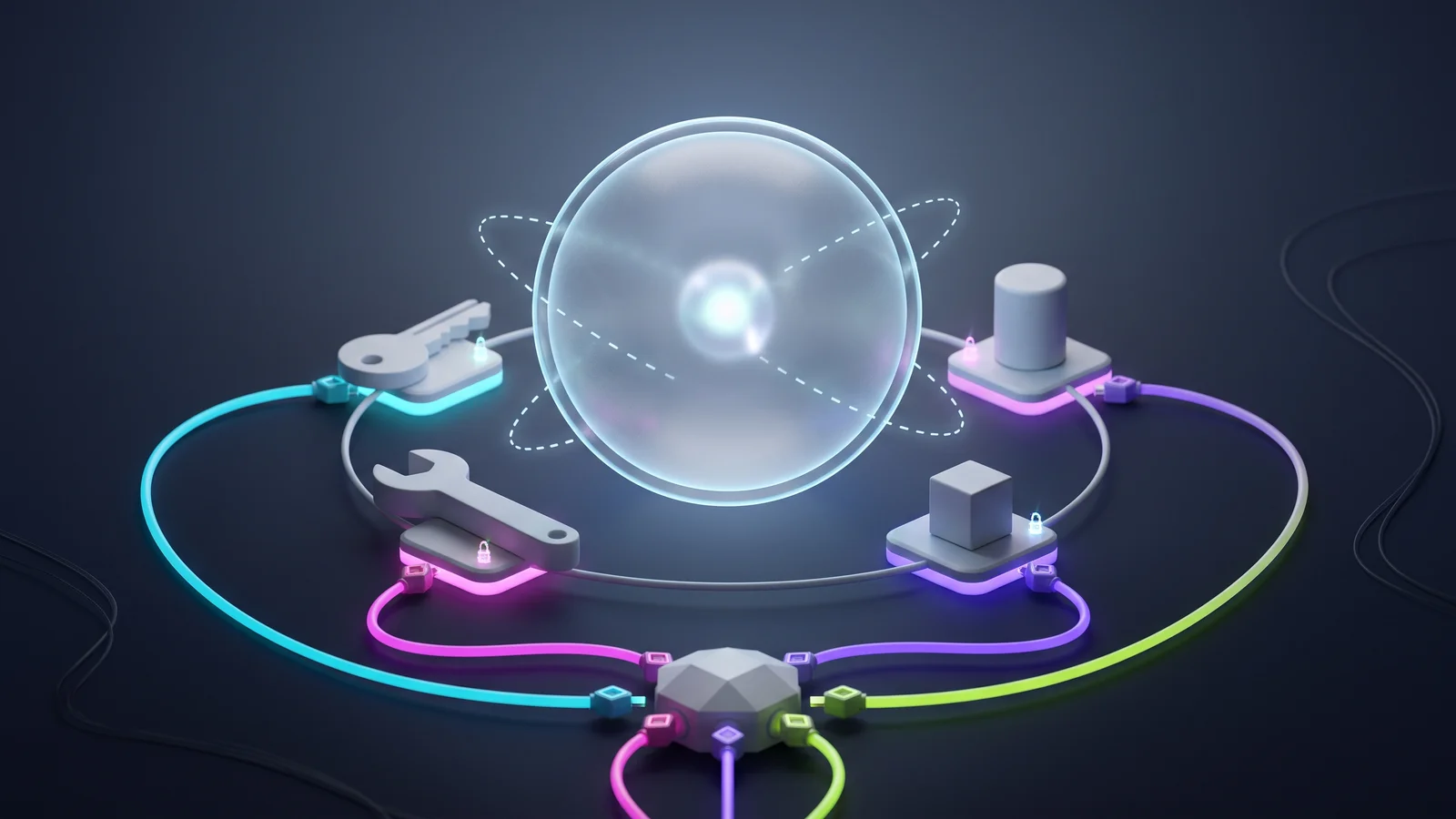 Every connector is an agent tool — without the keysTool descriptions come from the connectors themselves; FluidGrids, not the model, makes every call.Read the story
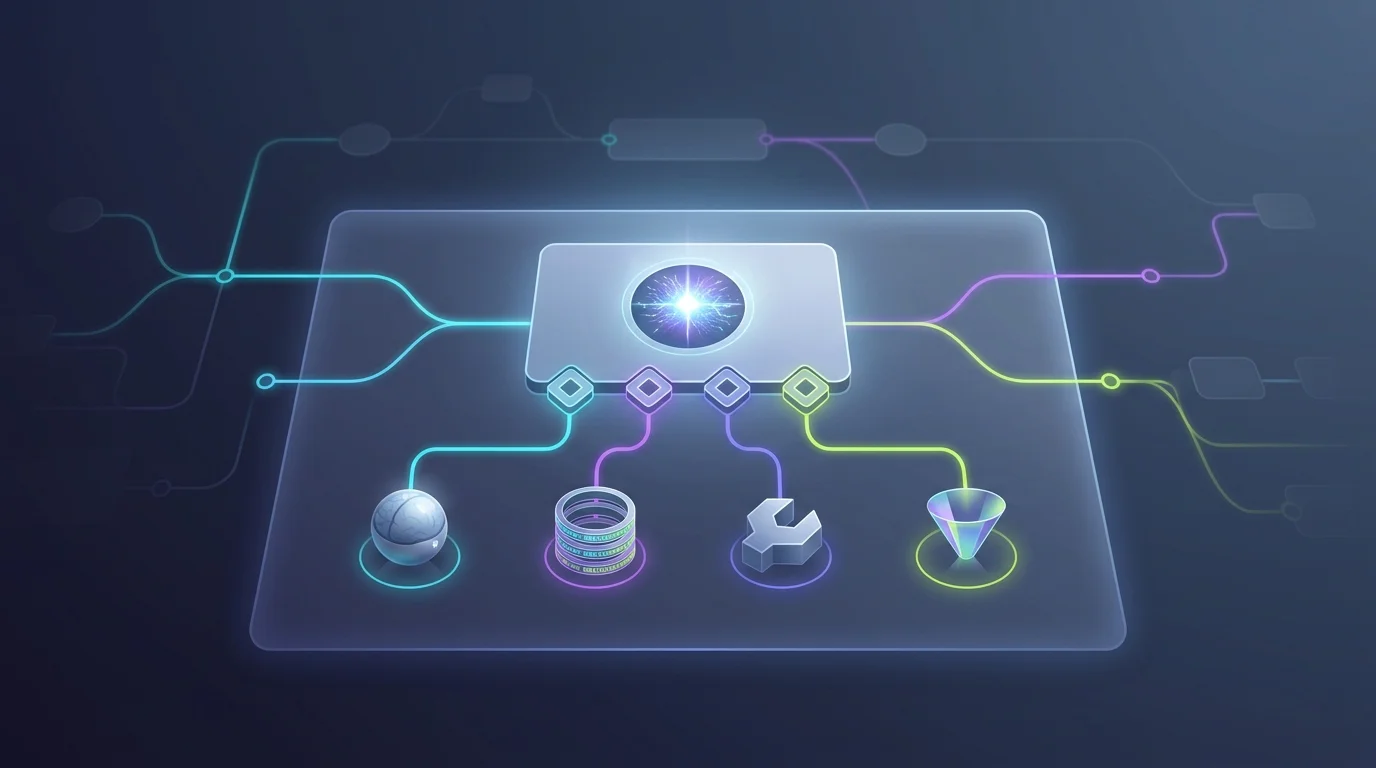 Assemble an AI agent from blocks on the canvasModel, memory, tools and output format snap in around the agent — changing one is a drag, not a rewrite.Read the story
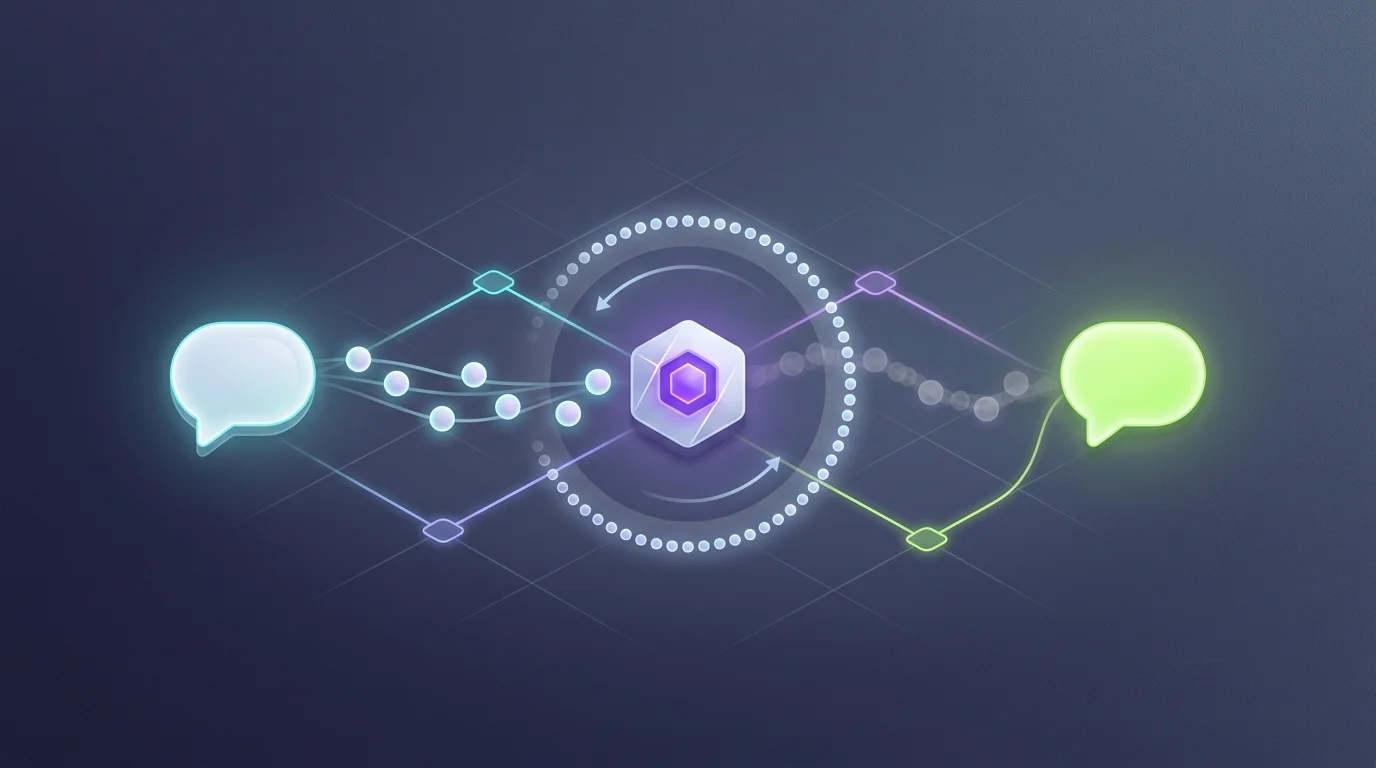 Chat-triggered workflows that remember the threadA chat front door plus session memory turns a workflow into something you can talk to, with a full run history.Read the story
 Ground the agent in your own documentsIngest, embeddings and search as visible steps — with the agent retrieval connection honestly still to come.Read the story
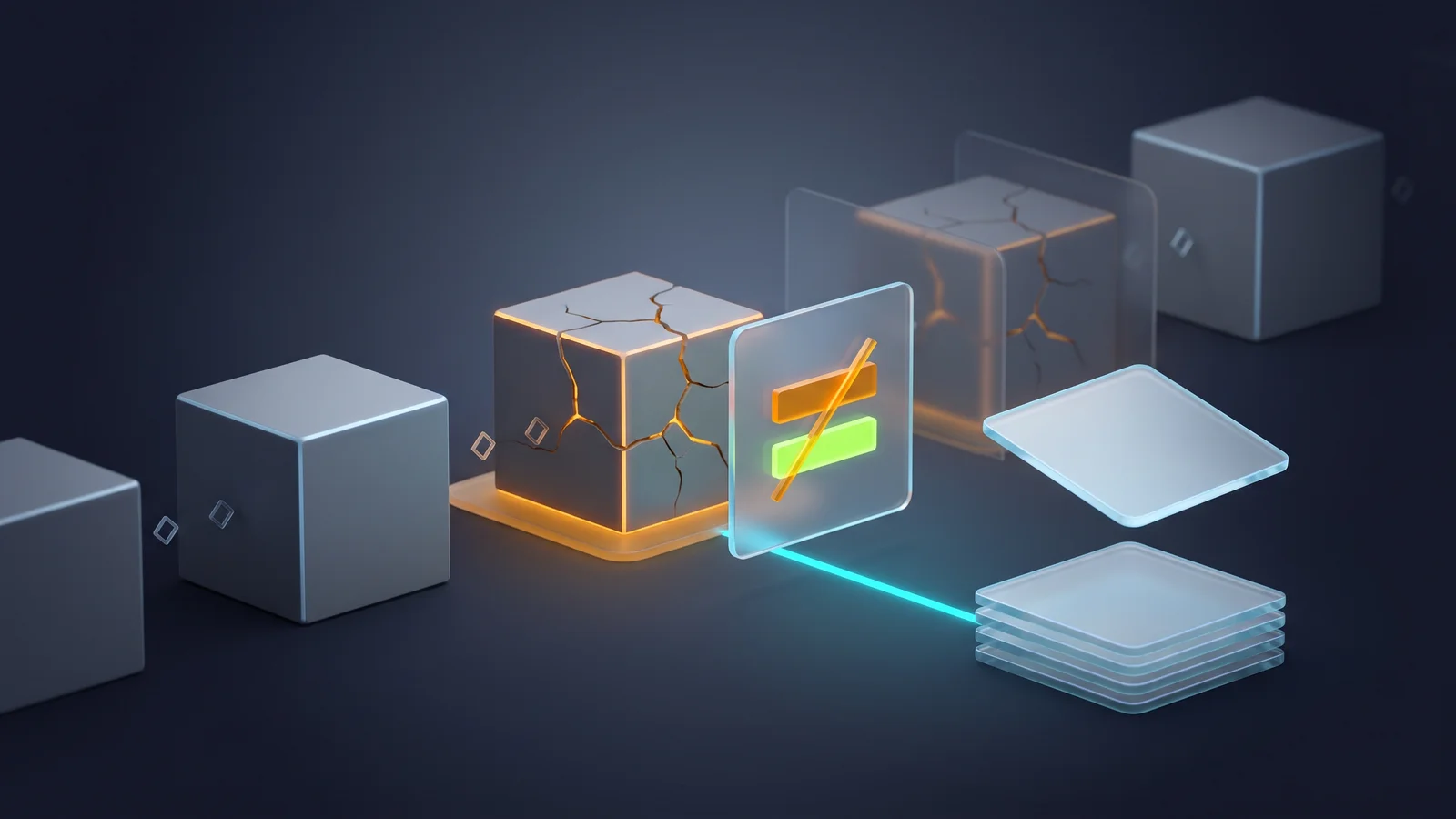 AI that fixes the failed run — as a change you approvePlanned: diagnose the failing step and apply the fix as a new version, never in place.Read the story
 The automation platform that watches its own failuresPlanned: a scheduled FluidGrids workflow that triages failed runs and proposes fixes — dogfooding, not new machinery.Read the story
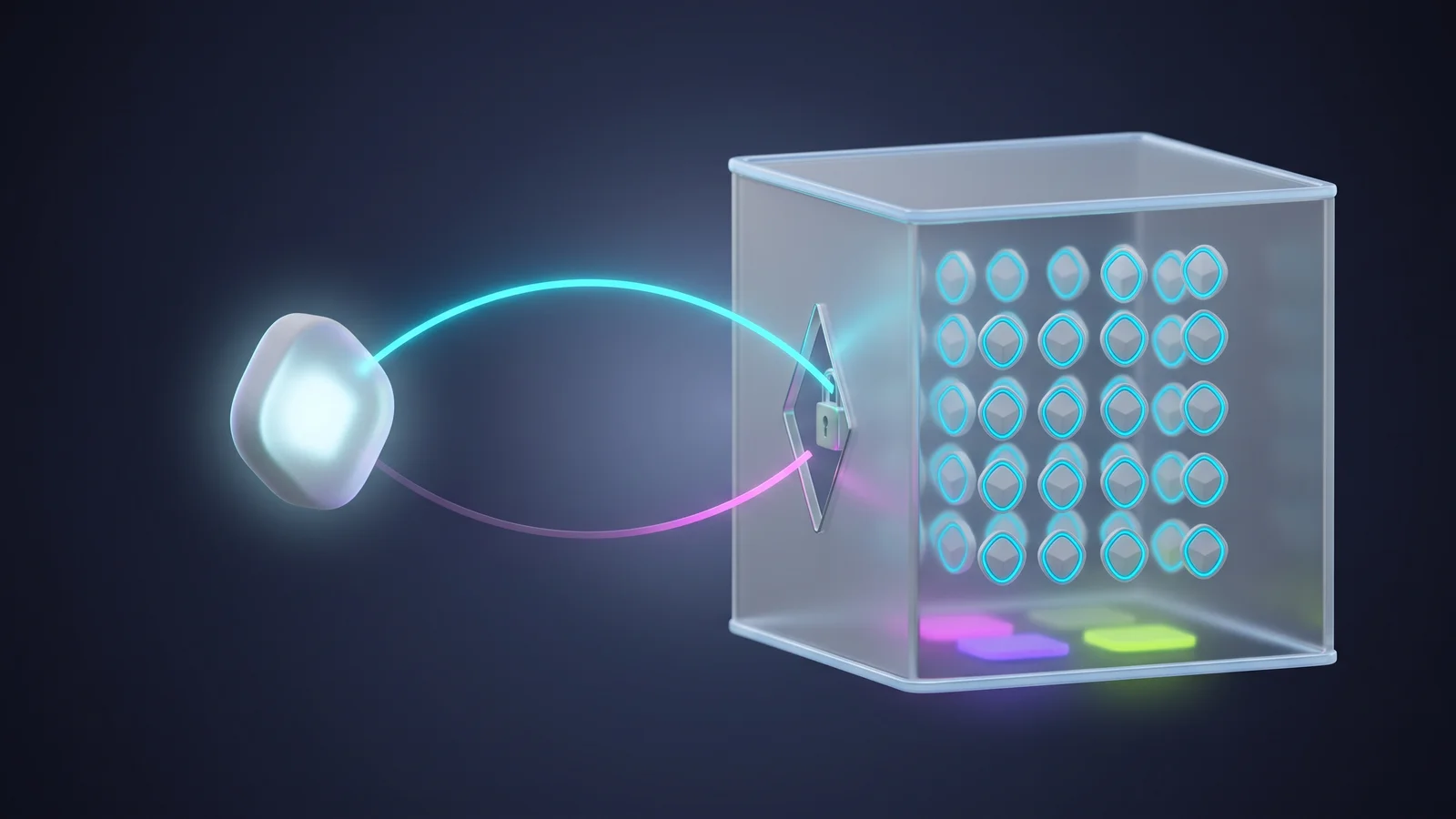 Hand your workflows to the agent you already usePlanned: an MCP server over your connectors and workflows, described exactly as they are in-product.Read the story
AI you can actually let near your data
An AI-native product has to be governable. Here is where FluidGrids stands on each control — including the parts still being built.
The model never holds your keys
An agent receives its chat-model settings and nothing else. Every action runs on the normal secured path, so a poisoned prompt cannot leak a secret the agent never had.
AI obeys your existing permissions
Every AI action is checked against the same workspace roles and permissions that govern the rest of FluidGrids. There is no separate AI back door.
Undo is the version history you already have
AI output is an ordinary versioned workflow, so restoring an earlier version is the revert. There is deliberately no special AI undo to learn or to trust.
Context is allow-listed, not scraped
Only which item you have open is shared — no message bodies, no record contents — and list pages are excluded by name so a page is never mistaken for a thing.
Confirmation prompts and answer citations
Planned: a confirm step before any AI-initiated change, plus citations on answers. Not built yet — today the guardrail is that the assistant only ever creates drafts.
Spend visibility and a quality test set
Usage is counted per run, but nothing yet totals it into a spend view or a limit, and no test set grades AI quality — so we publish no accuracy or cost figures.
Models
Bring your own keyBring your own keys. Anthropic, OpenAI and self-hosted Ollama are selectable on the canvas, each through a connection in your own workspace, so agents run on your account. Azure OpenAI and Google Gemini work under the hood but are not yet pickable.
- Anthropic — pick it on the canvas, your own connection
- OpenAI — pick it on the canvas, your own connection
- Ollama, self-hosted — pick it on the canvas, your own address
- Azure OpenAI — works under the hood, not yet pickable
- Google Gemini — works under the hood, not yet pickable
The honest answers
Shipped: the assistant in both modes, grounding on your live connector list, screen awareness, agents on the canvas, connectors as tools, the bounded run loop and chat-triggered agents. In progress: AI history with no screens, and document search not wired into agents. Planned: approved repair, triage and MCP.
Put FluidGrids’s AI to work
An assistant that reads the connectors you actually have and leaves you a real, versioned workflow — plus AI agents you assemble on the canvas and watch run, step by step.