Agent frameworks usually mean SDK code: wire a model client, bolt on memory, register tools, pray the output parses. FluidGrids puts that whole composition on the canvas, where it's visible, versioned, and swappable like everything else.
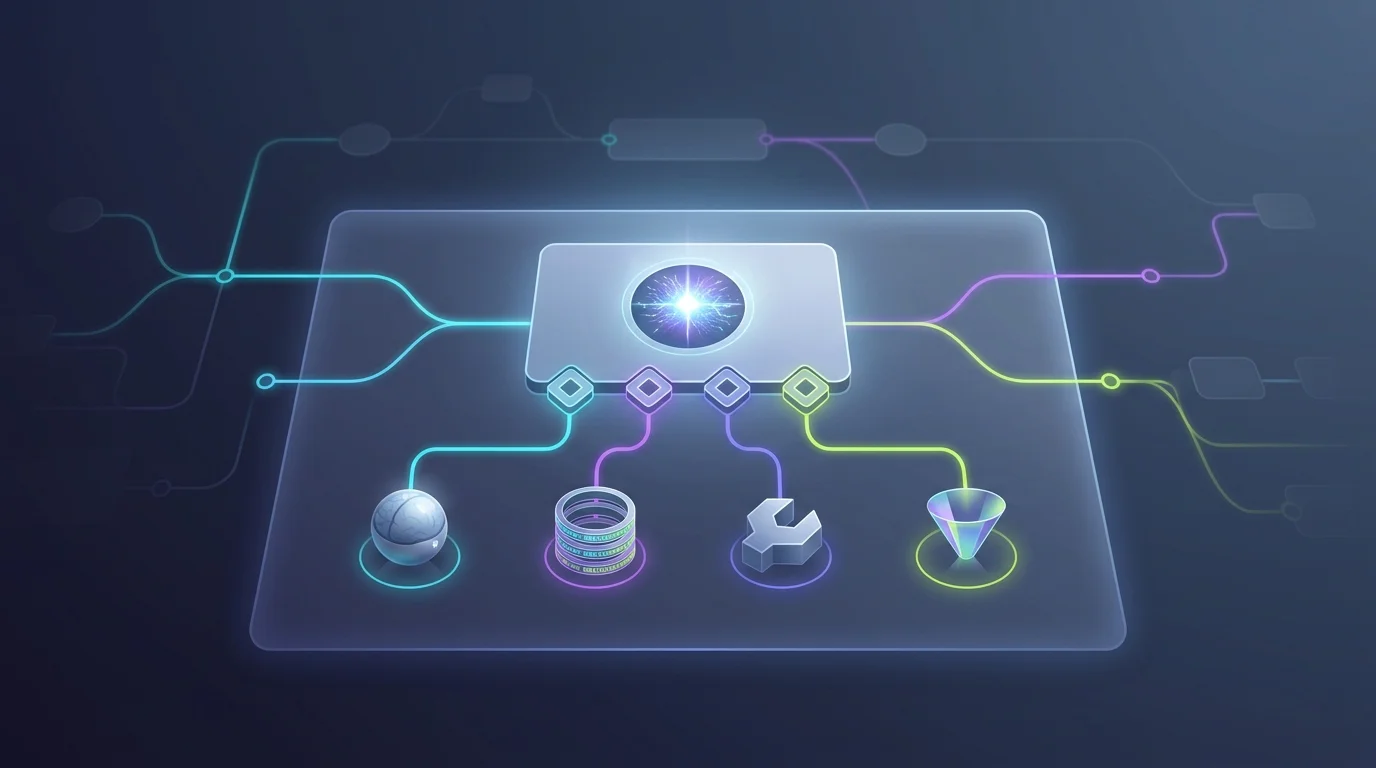
Drop the AI agent node and four diamond-shaped adapter ports appear beneath it: Chat Model (required, exactly one), Memory (optional, one), Tool (as many as you like), and Output Parser (optional, one). Each port is typed — the builder enforces compatibility, so a memory sub-node physically cannot attach to the tool port, and sub-nodes can't be wired into ordinary data edges.
The sub-node catalog covers each port. Chat models: Anthropic, OpenAI, or Ollama, each authenticated through its own workspace connection. Memory: buffer memory for within-run context or persistent memory for state that persists across sessions. Tools: a calculator, a code tool, an HTTP tool for hitting your APIs, and — the composability prize — a workflow tool that exposes another entire workflow as something the agent can invoke. The structured parser pins the agent's output to a schema so downstream nodes receive data, not prose.
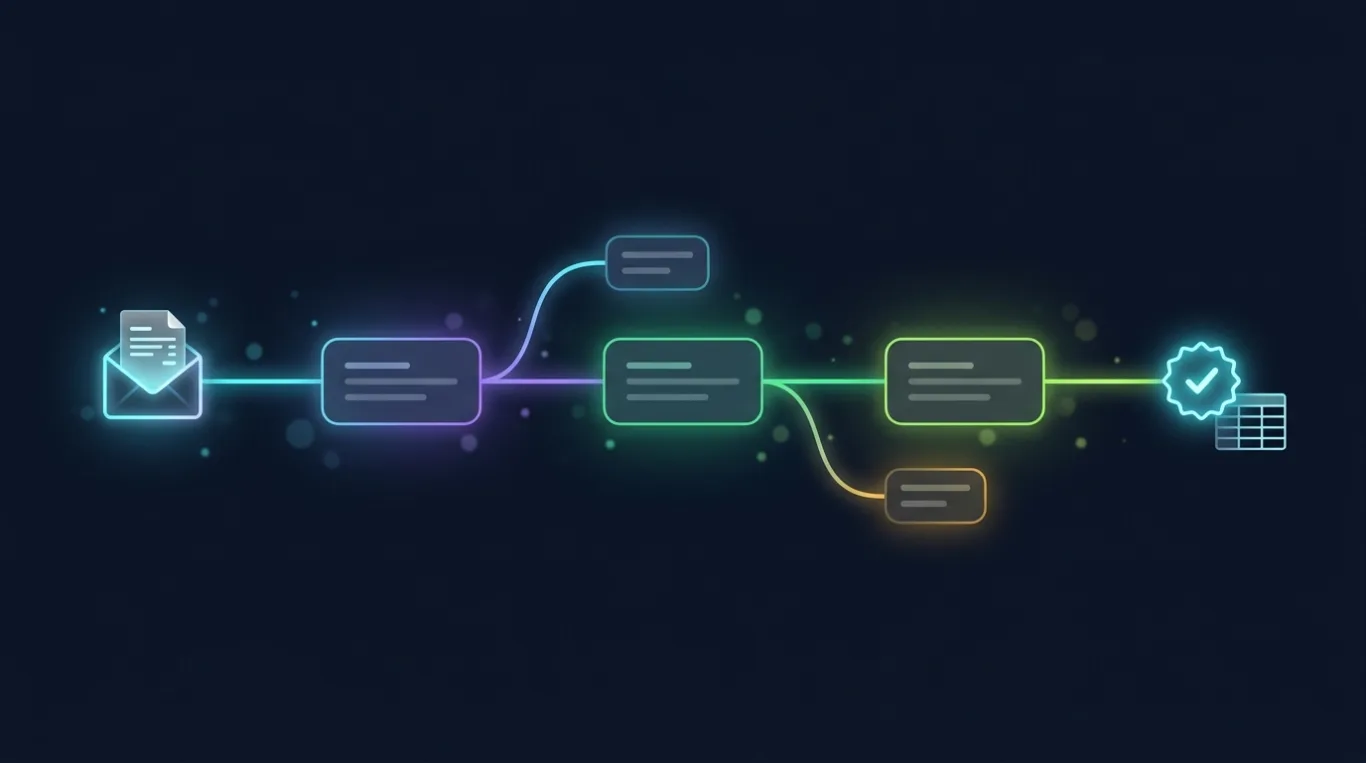
A support-triage agent becomes six boxes: chat trigger feeding the agent, Claude as the model, persistent memory keyed by session, an HTTP tool querying the order API, a structured parser forcing JSON, and a Slack node consuming the result. Want to benchmark a different model? Swap one sub-node. Need a second capability? Snap another tool onto the port.
The agent runs under the same machinery as every workflow: executed by the workers, observable node by node — including each tool invocation — versioned immutably, and permission-guarded. Agentic AI with run history and rollback, because it's just a workflow.
Ready to make this your story?