Every B2B SaaS roadmap eventually grows the same line item: "customers want automation". Building a workflow engine in-house is a multi-quarter detour through queues, schedulers, connector maintenance, and a canvas UI. The embed path compresses that to a sprint.
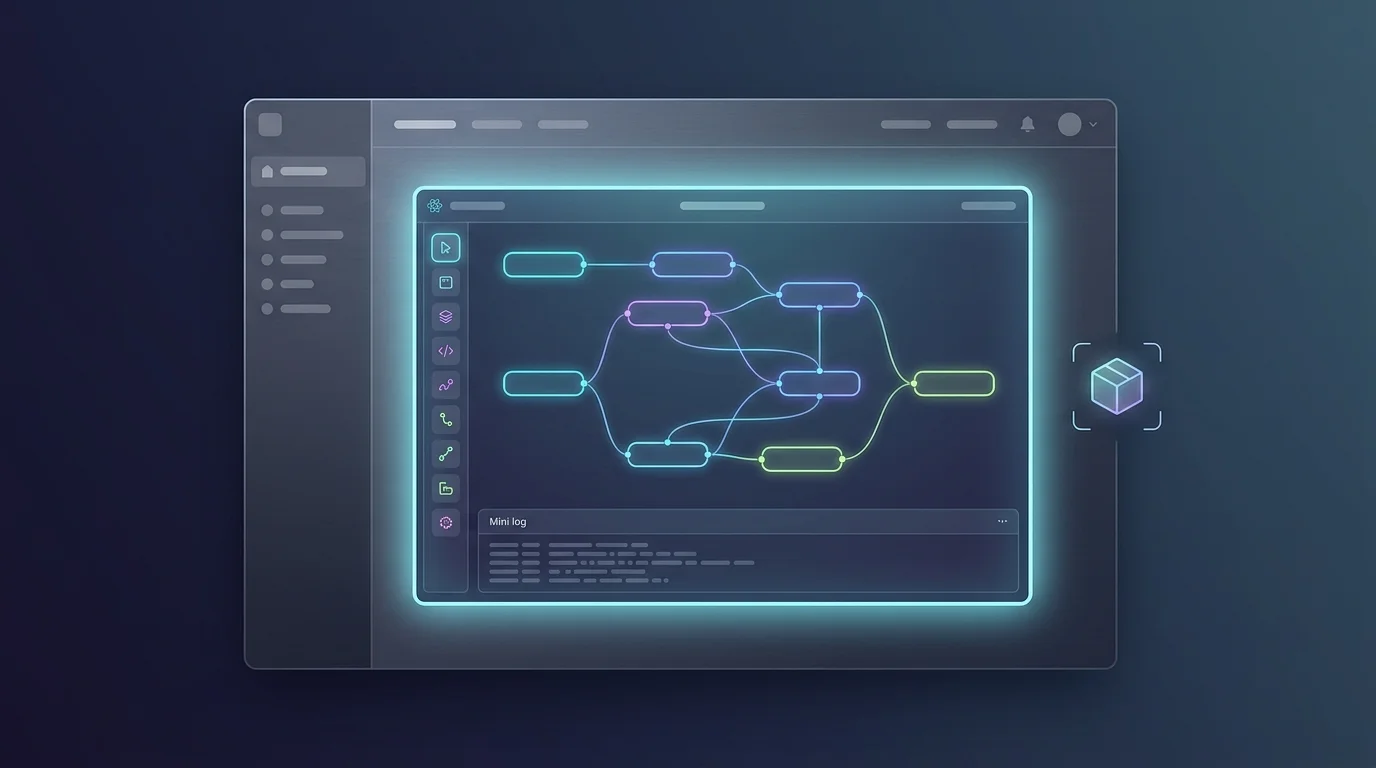
Day one is a spike that costs almost nothing: install the SDK, mount the standalone builder with a test workspace, and confirm the thing is real — drag nodes, wire edges, save, execute, watch logs stream. No backend work on your side; the SDK talks to the FluidGrids API directly.
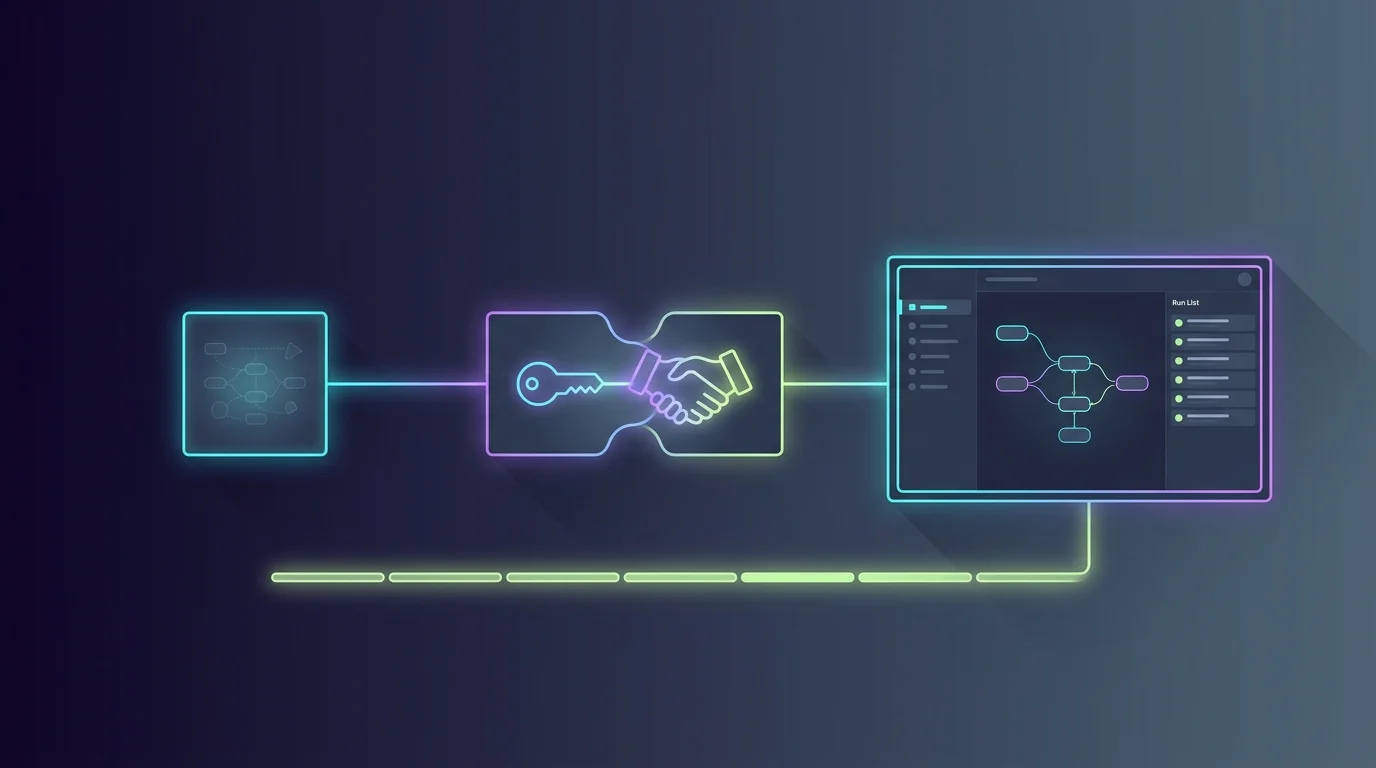
The genuine engineering is the middle of the sprint: auth and tenancy. Your backend maps each customer account to a workspace and mints the token the SDK forwards. That mapping is the security boundary — every builder action is authorized by the platform API against that token, so customer A can never see customer B's workflows, connections, or runs.
Then the product work: mount the full routed module under /automations in your app's router, and it — list, builder, runs, settings — inherits your navigation. Chrome props hide the panels your customers do not need, and callbacks keep your product in the loop: track saves in your analytics, route your own upgrade modal when a customer hits a plan limit.
Polish is incremental from there: seed golden templates so customers start from your curated automations instead of a blank canvas, and surface run monitoring so they self-serve their own triage. The feature that was a quarter of platform engineering becomes a sprint of integration — and your roadmap gets the quarter back.
Ready to make this your story?