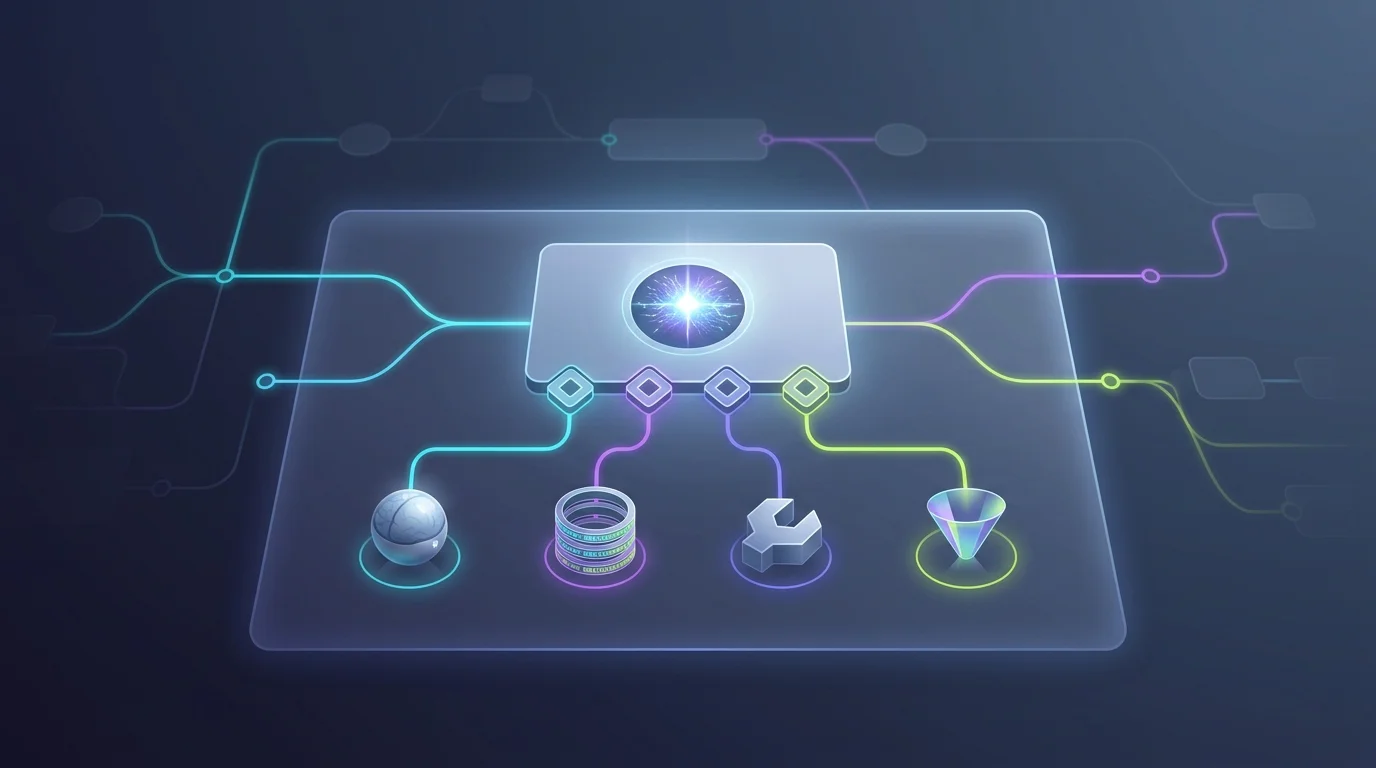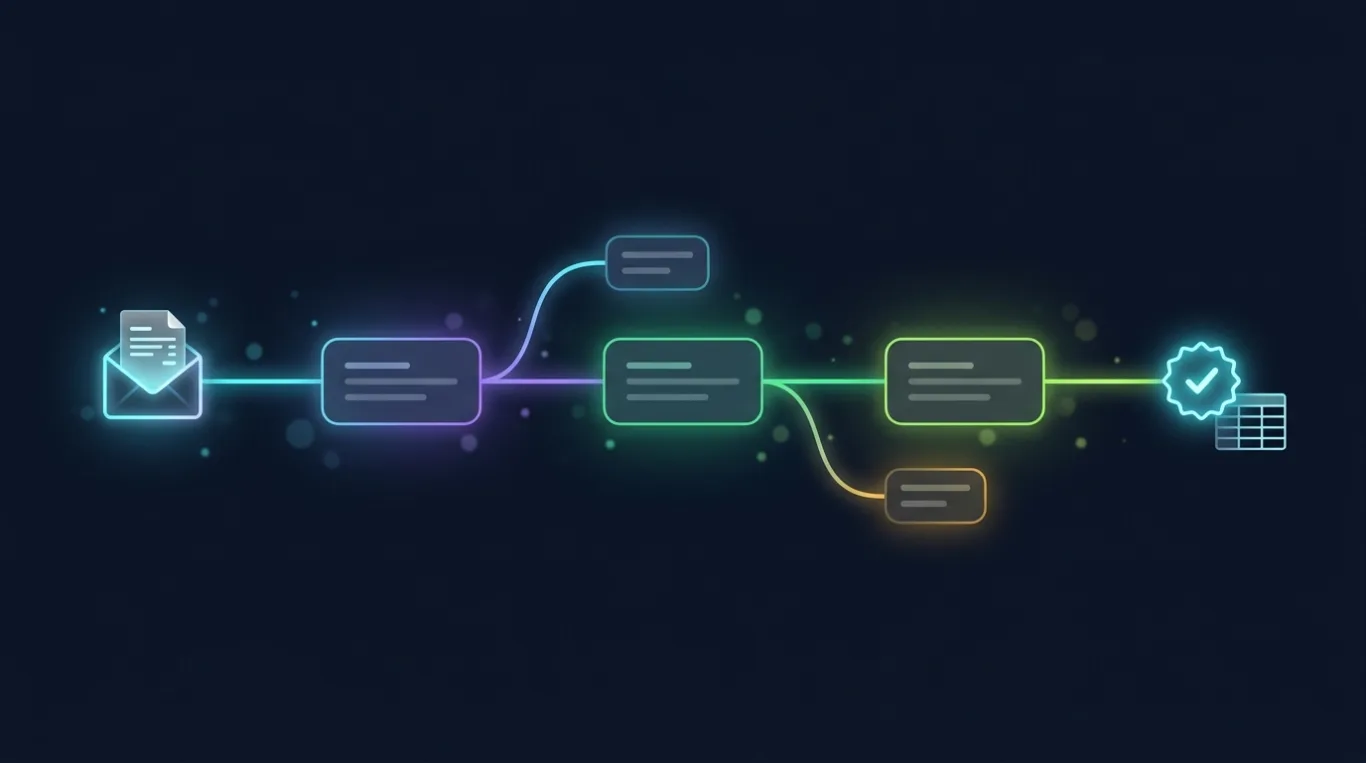
The hardest part of a new automation is the empty canvas. You know the outcome — "when a lead comes in, enrich it, score it, and route the hot ones to Slack" — but turning that sentence into placed nodes, wired edges, and configured operations is the tax you pay before the real work begins. AI Studio pays that tax for you.
Describe the automation in a sentence or two. Behind the scenes, AI Studio drafts a workflow from your prompt — you can point it at a fresh canvas or at an existing workflow and version when you want it to extend something you already have, and you can name the model that does the drafting. What comes back is not a suggestion in a chat bubble; it is a real workflow draft: nodes on the canvas, edges between them, and a head start on configuration.
Because it is a normal draft, everything you already know about the builder applies. Open it on the canvas, and the graph validator, the node palette, and the Adaptive-Card configuration panels are all right there. Rewire an edge, swap a node, bind the connections the draft left open — you are refining a first pass, not accepting a mystery. The AI gives you the 80% that is boilerplate; you spend your attention on the 20% that is your business.
Nothing about the generation is throwaway. Every prompt is captured with its category and target, so your prompt history becomes a browsable record of what you asked and when. The workflow drafts and other outputs are saved as generated artifacts you can open individually, inspect, and download for review — the reasoning behind a draft is auditable, and a prompt you liked can be found again instead of retyped.
Draft-then-refine is the whole point. You are never staring at a blank page wondering where to start, and you are never handed an opaque result you cannot change. The plain-English brief becomes a concrete draft in seconds, the draft becomes a real workflow under your control, and the prompt history means the next similar automation starts from something you have already described once.
Ready to make this your story?