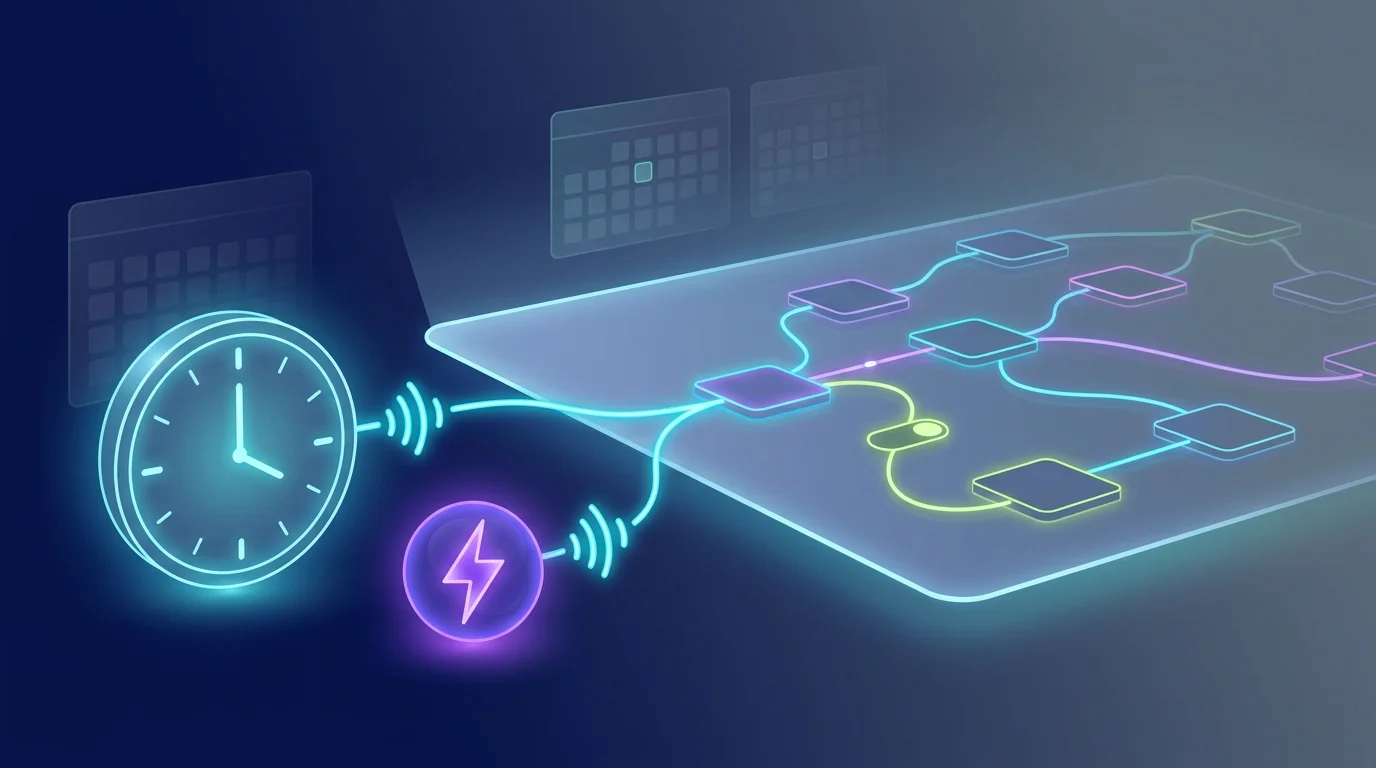
The most repetitive daily decision — what to wear — is also the easiest to automate. FluidGrids turns a weather check and a quick rule into a reliable morning assistant.
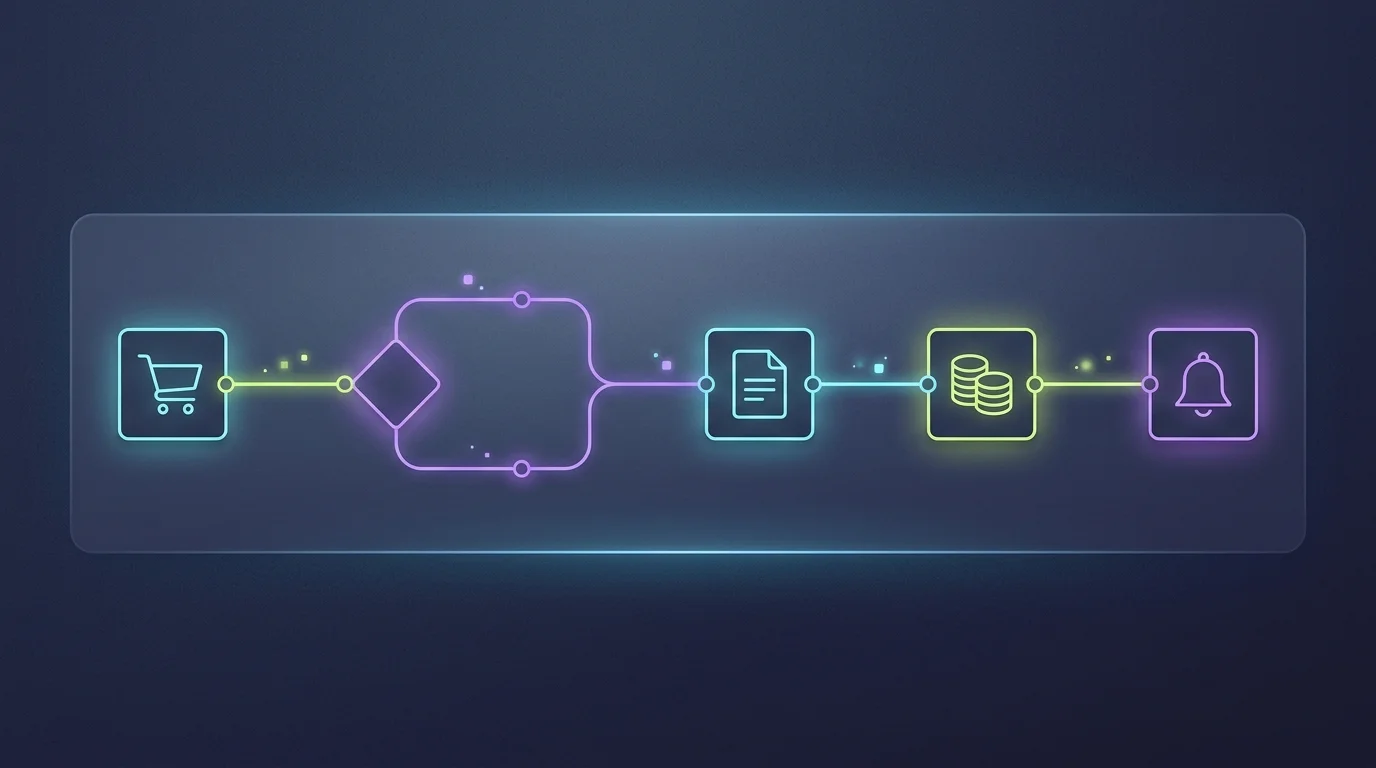
Set a schedule trigger for 7 AM in your timezone. At that moment the workflow calls a public weather API for your city, reads the temperature and conditions, and branches through a few simple rules: rain means an umbrella, cold means a jacket, sun means sunglasses. The last node posts the result to a Slack channel or direct message — "18°C and cloudy: take a light jacket."
Because the logic lives on the canvas, you can extend it without code. Add a second city for a partner, route weekend reminders to Telegram instead of Slack, or swap the rule branch for an OpenAI node that writes a friendlier message. The credentials live in workspace connections, so the API key and Slack token never appear in the workflow definition.
It is a small automation, but it demonstrates the core FluidGrids loop: a trigger, an external API call, a decision, and a message — all visible, versioned, and schedulable from one diagram.
Ready to make this your story?