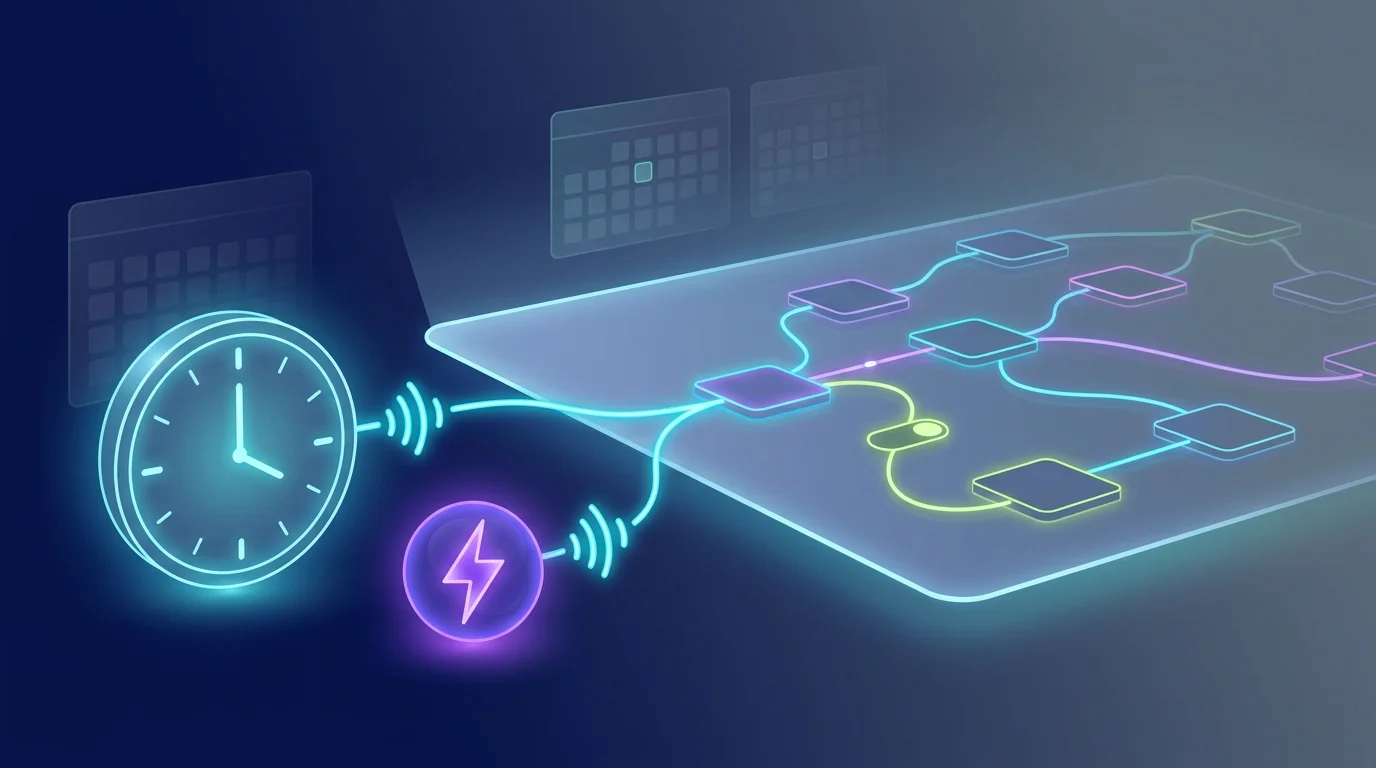
Delivery notifications pile up in Gmail faster than you can read them, and important updates — "Out for delivery", "Delivered", "Delivery attempted" — are easy to lose between newsletters and work email. FluidGrids turns the delivery firehose into a single forward you actually see.
Connect a Gmail trigger configured to fire on delivery-shaped emails (subjects containing "tracking", "shipped", "delivered", or from known carriers like UPS, FedEx, USPS, DHL). A filter node keeps only the messages that look like real delivery updates — drop marketing promotions from the same senders, drop status-page noise, drop duplicate confirmations. A WhatsApp node (or Slack, if you prefer) posts a tidy forward with the carrier, tracking number, and current status.
Because the trigger is an inbound webhook from Gmail, the forward arrives within seconds of the carrier's email. You can branch the workflow to escalate urgent statuses — route "Out for delivery" and "Delivered" to your personal channel, route less urgent "Shipped" updates to a quieter inbox, or trigger a Switch node that handles each status differently.
The same workflow pattern handles multiple carriers. Add a Switch node that fans out one branch per carrier — UPS notifications go to one channel, FedEx to another — and consolidate everything in your daily review. Add a Google Sheets logger to keep a delivery history for record-keeping.
It is a small, kind-of-magical automation: every package status arrives where you already pay attention, automatically and verifiably.
Ready to make this your story?