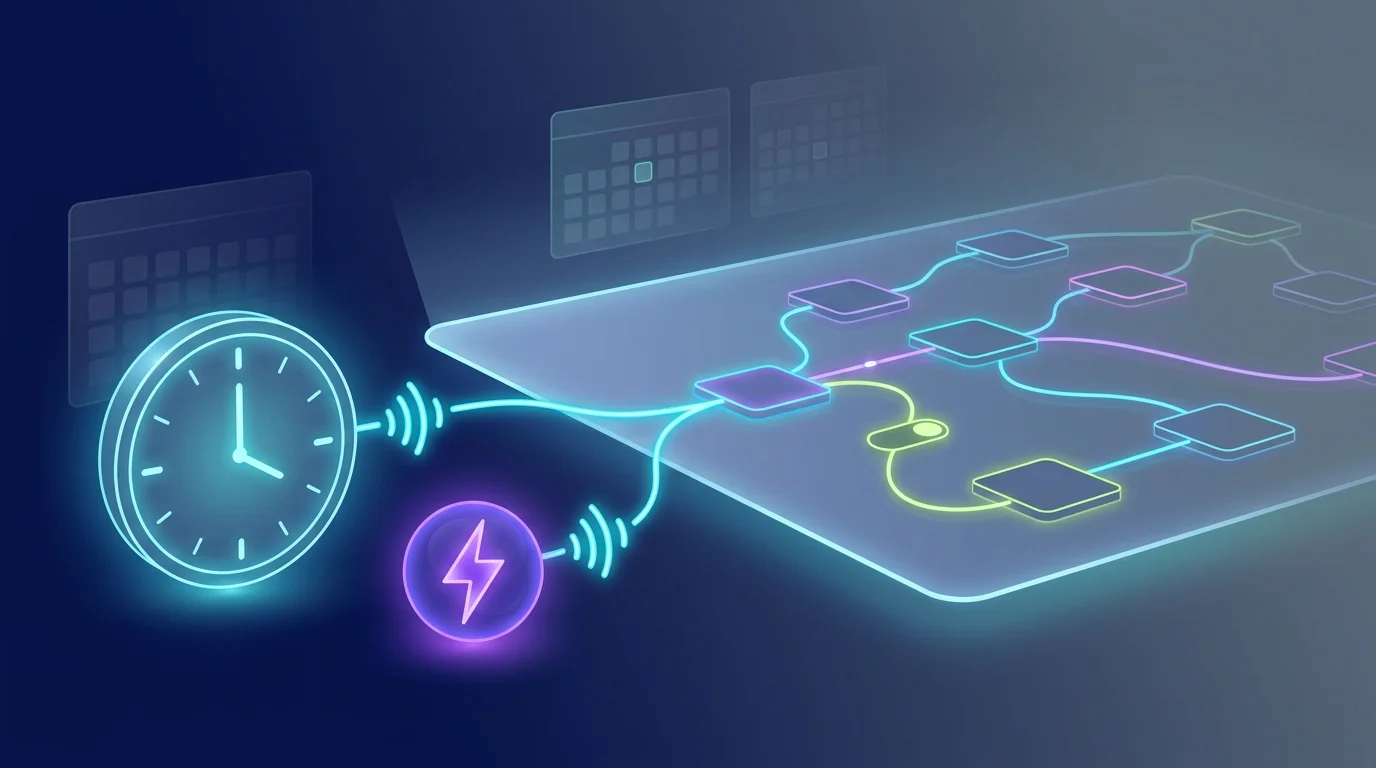
A workflow needs a reliable starting signal. FluidGrids supports manual or API invocation, incoming webhooks, cron schedules, hosted forms, a failure from another workflow, polling triggers, and platform-event triggers. Choose the one that matches the system you are integrating, then configure its registration against an active workflow version.
Platform-event triggers react to what happens inside your Burdenoff workspace. File Uploaded starts a run when a file finishes uploading to Files, optionally only for some MIME types, file names or one folder. Record Changed starts a run when a record of a module you pick is created, updated or deleted, optionally only for one record type or when a field has a given value. State Changed starts a run when a record's state field moves, for example a project going from In progress to Done. Each run carries the record as it is after the change, with secret-looking fields redacted; private records only start their creator's workflows.
Webhooks are the path for external systems that can call you: create a registration, use the issued endpoint in the sending system, and inspect delivery records and run linkage when a request arrives. Schedules are the path for recurring work: activate a workflow with a cron registration and the worker creates runs on that cadence. Forms and error triggers cover the supported in-product entry points.
Polling triggers cover systems that cannot call you. An RSS or Atom feed, an HTTP endpoint, a PostgreSQL query or an IMAP mailbox is checked on an interval from one minute to one day. The first check only records what is already there, so activating a trigger never replays a backlog; after that, each check that finds new feed items, new array entries, new rows or new mail starts one run carrying them. Database and mailbox triggers use an integration connection, run the query read-only, and only connect to public hosts.
Registrations can be listed, filtered, toggled, and audited, and each polling trigger reports when it last checked, what it delivered and its last error. Deactivating a workflow disables its scheduled triggers; delivery and run records make it possible to investigate what started a particular execution.
This page intentionally does not promise MCP or per-vendor trigger presets. Those trigger types are retired; use a generic webhook, schedule or polling trigger where it fits the integration.
Ready to make this your story?