
Developer API and MCP Agent Access
Scoped API keys, outbound webhooks, a GraphQL playground and SDKs, plus an MCP endpoint that turns workflows into agent tools.
These images are illustrations of the concept, not screenshots of the actual product.
Overview
This concept gathers the programmatic entry points into FluidGrids in one place. Developers get a portal for API keys, OAuth apps, outbound webhooks, rate limits, API logs and documentation, and AI agents get an MCP endpoint that presents a workspace's connectors and workflows as callable tools.
Automations rarely live in isolation. CI pipelines need to start or inspect workflows, internal services need to react when a run completes or fails, and AI agents increasingly need to act through well-defined, permissioned tools rather than raw credentials. Without a governed surface, teams share over-privileged keys and lose track of which program is calling what. The design answers with narrowly scoped keys and tokens and a visible record of when each was last used.
The first illustration shows a Developer Portal page under Settings. An API Keys card displays a newly created key once, with a copy control, above a table of keys with their scopes, last-used times and expiry dates. An Outbound Webhooks card lists endpoints subscribed to workflow execution events with delivery-success rates, a GraphQL Playground runs a query for recent workflow runs and shows the JSON response, and an SDKs and Tools card offers Node.js, Python and Go downloads. The second illustration shows an Agent access page under Connected Systems, carrying a Preview badge: an MCP endpoint with an HTTP and server-sent events transport, a table of workspace tokens, and a filterable list of exposed tools, each tagged as a connector or workflow and as read or execute, with its input schema derived from the node's manifest.
Because keys and tokens are scoped to a workspace and to specific actions, the design lets the same roles and audit history that govern people also govern programs and agents. Combined with the embedded builder, this is how FluidGrids is meant to work as a platform inside other products as well as an app of its own.
What this concept shows
- API keys with named purposes, masked values, scopes, last-used times and expiry dates, shown in full only once
- Tabs for OAuth apps, webhooks, rate limits, API logs and documentation
- Outbound webhooks subscribed to workflow execution events, with delivery-success rates and status
- An in-browser GraphQL playground with Run, Prettify, history and a JSON response view
- Downloadable SDKs for Node.js, Python and Go
- An MCP endpoint over HTTP with server-sent events for connecting AI agents
- Workspace-scoped agent tokens with created and last-used tracking
- A filterable list of exposed tools, tagged as connector or workflow and as read or execute, with input schemas
How it works
These steps illustrate how the concept fits together — not a walkthrough of the product's current interface.
- Open Settings, go to the Developer Portal and create an API key with only the scopes a service needs, copying it the one time it is shown.
- Register an outbound webhook endpoint and choose which workflow execution events it receives.
- Try queries in the GraphQL playground, such as listing recent workflow runs, then move to the Node.js, Python or Go SDK.
- For AI agents, open Agent access under Connected Systems, copy the MCP endpoint and create a workspace token.
- Review the exposed tools and filter for the connectors and workflows an agent may read or execute.
- Keep an eye on usage through last-used times, webhook delivery success and the API logs.
Who it's for
- Backend and platform engineers
- DevOps and CI/CD engineers
- AI and agent developers
- Integration partners
- Workspace administrators responsible for access
Illustrations
2 illustrations of this concept. Select one to view it full size.
Developer Portal with Keys, Webhooks and Playground
The illustration shows a Developer Portal / API page reached from Settings, with tabs for API Keys, OAuth Apps, Webhooks, Rate Limits, API Logs and Docs. The API Keys card has a Create Key button, a banner showing a newly created key that is displayed only once with a copy control, and a table of keys for sample uses such as a production service, a CI/CD pipeline and an analytics exporter, with masked values, scopes such as reading workflows or writing runs, last-used times and expiry dates. Below, Outbound Webhooks lists endpoints subscribed to workflow execution completed or failed events, with delivery-success rings, the time of the last delivery and an Active status. On the right, a GraphQL Playground with Run, Prettify and History controls queries recent workflow runs and shows the JSON response with a success status. An SDKs and Tools card offers Node.js, Python and Go SDK downloads.
MCP Endpoint and Exposed Agent Tools
This illustration shows an Agent access page inside a Connected Systems area, with a Preview badge, a breadcrumb, and New token and Docs buttons. An MCP endpoint card shows the endpoint address with a Copy button and notes an HTTP plus server-sent events transport. A Workspace tokens table lists sample tokens for an editor agent and a CI runner, each scoped to the workspace, with created and last-used columns. On the right, an Exposed tools panel with a filter lists tools by name, tags each as a Connector or a Workflow, and marks it read or execute: posting a Slack message, fetching a Stripe customer, appending a spreadsheet row, and running lead-routing or refund-approval workflows. The first tool is expanded to show its input schema, noted as derived from the node manifest. A footnote states that permissions are enforced centrally at the gateway, and the sidebar groups workspace and global modules.
Topics
- workflow automation API
- GraphQL API for workflows
- scoped API keys
- outbound webhooks for workflow events
- MCP server for workflows
- Model Context Protocol automation
- AI agent tool access
- trigger workflows from code
- Node.js Python Go SDK
- developer portal
Related concepts
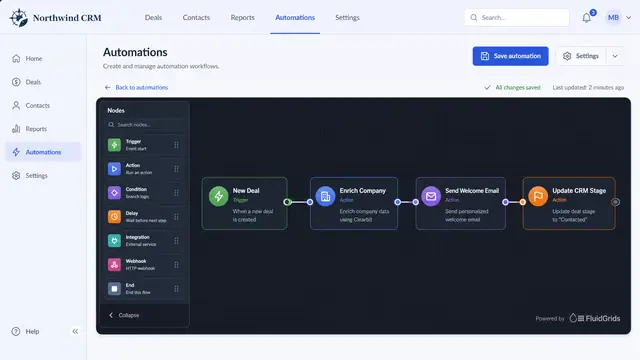
Embedded Workflow Builder
Put the FluidGrids builder, or a live read-only view of a workflow, inside your own product, next to your own pages.
2 illustrations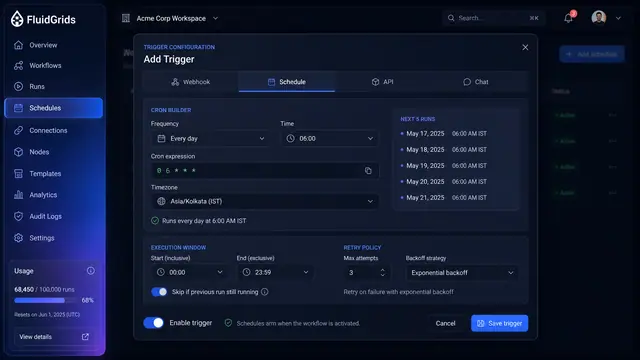
Triggers, Schedules and Webhooks
Decide what starts a workflow — a cron schedule, an incoming request, an API call or a chat message — and keep every trigger under control.
3 illustrations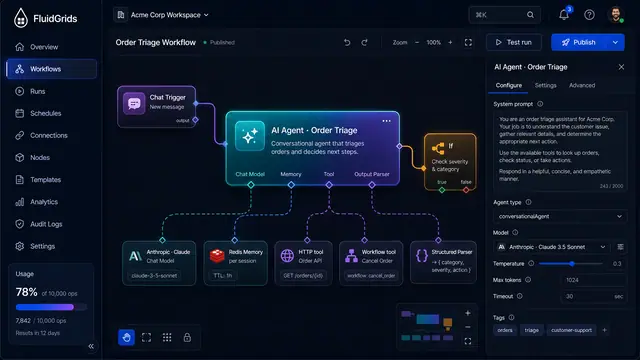
AI Agents and Conversational Workflows
An agent node with pluggable model, memory, tool and parser ports, driven by chat and traced tool call by tool call.
4 illustrations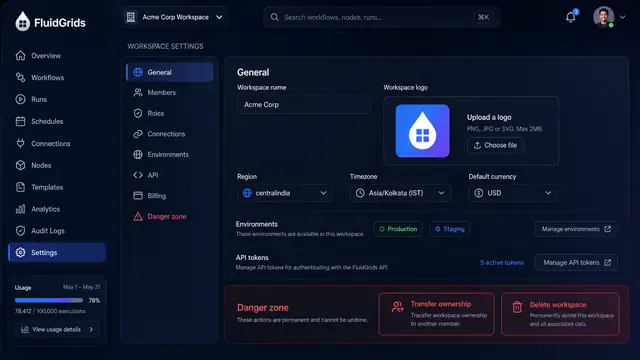
Workspace Settings, Roles and Audit Trail
Configure a workspace, decide who can do what with a role matrix, and trace every change in a filterable audit log with diffs.
3 illustrations