
Workspace Settings, Roles and Audit Trail
Configure a workspace, decide who can do what with a role matrix, and trace every change in a filterable audit log with diffs.
These images are illustrations of the concept, not screenshots of the actual product.
Overview
Every FluidGrids workflow, run, connection and credential belongs to a workspace, and this concept covers how that workspace is governed. Three screens work together: general workspace settings, a team and role-based access view, and an audit log that records who changed what, and when.
As automations take over real business processes such as invoicing, order routing and data syncs, the important questions shift from whether a workflow works to who is allowed to change it and who did. Without clear roles, a teammate who only needs to watch runs could delete a production workflow; without an audit trail, an unexpected schedule change becomes a mystery. The design gives administrators direct answers to both.
The first illustration shows Workspace Settings with a secondary menu that runs from General, Members and Roles to Environments, API, Billing and a Danger zone. The General panel holds the name, logo, region, timezone and default currency, lists the Production and Staging environments, links to API token management and fences ownership transfer and workspace deletion into a clearly marked danger area. The second illustration shows Team and RBAC, with tabs for SSO and SCIM, a members table with role badges and last-active times, and a permission matrix that maps workflow, run, connection and member operations to the Owner, Admin, Editor and Viewer roles, with an option to add a custom role. The third shows the Audit Logs page, filterable by actor, action, resource and date range, where an expanded entry compares a workflow's definition before and after a version change.
These screens sit beside usage and billing in the administration area, and they underpin the rest of the product. In the design, the same roles apply in the builder, the run views, connections and developer tokens, and every consequential change leaves a trace that can be filtered and exported.
What this concept shows
- General settings for workspace name, logo, region, timezone and default currency
- Production and Staging environments listed for the workspace, with a link to manage them
- A danger zone that isolates ownership transfer and workspace deletion
- A members table with role badges, last-active times and an Invite member action
- A permission matrix across Owner, Admin, Editor and Viewer for workflow, run, connection and member operations
- Custom roles, plus tabs for SSO and SCIM provisioning
- An audit log filterable by actor, action, resource and date range, with export
- Expandable audit entries with a before-and-after diff and a changed-fields-only toggle
How it works
These steps illustrate how the concept fits together — not a walkthrough of the product's current interface.
- Set up the workspace in General settings: name, logo, region, timezone and currency, and confirm the available environments.
- Invite teammates from Team and RBAC and give each an Owner, Admin, Editor or Viewer role.
- Review the permission matrix and add a custom role if the defaults do not fit.
- As people work, the audit log records actions such as activating, updating, deleting or failing a workflow and creating a connection.
- Filter the audit log by actor, action, resource or date and expand an entry to compare the before and after versions.
- Export the filtered log for review, and reserve the danger zone for ownership transfer or deletion.
Who it's for
- Workspace owners and administrators
- IT and security teams
- Internal audit and governance reviewers
- Automation team leads
- Agencies managing a workspace per client
Illustrations
3 illustrations of this concept. Select one to view it full size.
General Workspace Settings
The illustration shows a Workspace Settings page with its own secondary menu for General, Members, Roles, Connections, Environments, API, Billing and a Danger zone entry set apart in a warning style. The General panel holds a workspace name field, a logo area with a Choose file button and the accepted image formats, and dropdowns for region, timezone and default currency. An Environments row lists Production and Staging with a Manage environments link, and an API tokens row shows the number of active tokens beside a Manage API tokens link. At the bottom, a Danger zone card warns that its actions are permanent and cannot be undone, and offers two separate choices: transferring ownership to another member and deleting the workspace with all of its data. The main sidebar and a usage meter for the billing period stay visible on the left.
Team Members and Permission Matrix
This illustration shows a Team and RBAC page with tabs for Members and Roles, Roles, SSO, SCIM and Settings. On the left, a Members table lists sample teammates with avatar, name, email, a color-coded role badge for Owner, Admin, Editor or Viewer, a last-active time and a row menu, with an Invite member button and pagination. On the right, a Roles and Permission Matrix groups operations under Workflow, Run, Connections and Members and marks each with a check or a dash for the four roles. In the sample, every role can read workflows and execute runs, editors can also create and update workflows and cancel runs, only owners can delete workflows, and only owners and admins can manage connections or invite members. A Custom role button sits above the matrix, and a footnote notes that self-scoped fields only touch the caller's own data.
Audit Log with Before-and-After Diff
The illustration shows the Audit Logs page with filters for actor, action, resource and date range and an Export button. The table lists the time, the actor with avatar and email, an action badge, a linked target, the workspace and the source IP address. Sample entries include activating, deleting, updating and failing workflows and creating a connection, each badge styled by type. One row is expanded to show changes to a workflow between two versions: before and after panels of the definition side by side, with removed lines highlighted on the left and added lines on the right. In the sample, a schedule becomes more frequent, failure notifications are switched on and retries increase. A toggle limits the view to changed fields only, and pagination at the bottom shows the page size and position within a longer result set. All names, addresses and values are sample data.
Topics
- workspace settings
- role-based access control
- RBAC permission matrix
- workflow audit log
- who changed my workflow
- audit trail with diff
- SSO and SCIM for automation
- custom roles
- invite team members
- workflow governance
Related concepts
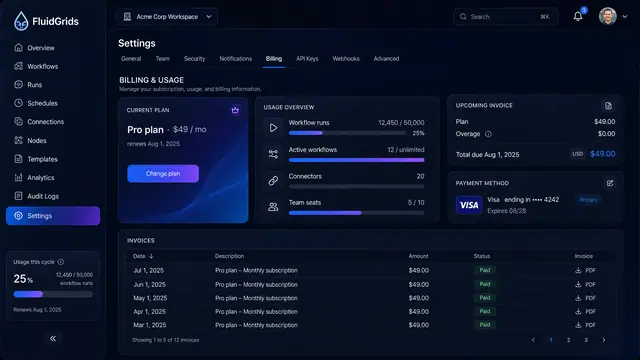
Usage, Billing and Plans
See what the workspace consumes, what the next invoice will cost, and which plan fits before a quota runs out.
2 illustrations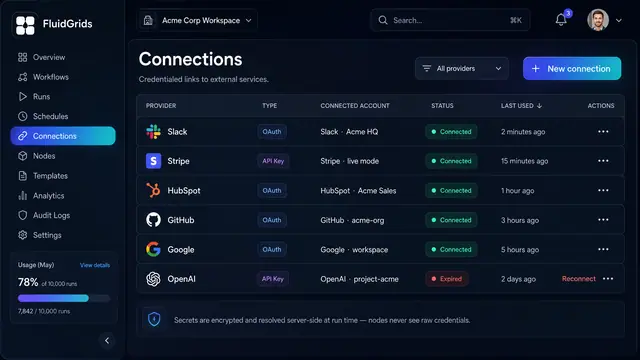
Connections and Credentials
Authorize external services once, reuse them across every workflow, and keep the secrets out of the canvas.
2 illustrations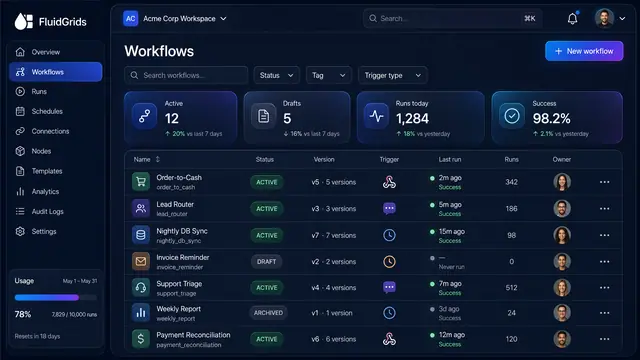
Workflow Library, Versions and Publishing
Track every workflow's status and version, compare and restore past versions, and publish with a pre-flight check that arms triggers.
3 illustrations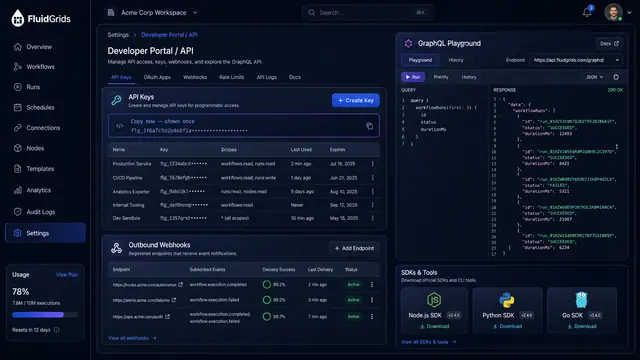
Developer API and MCP Agent Access
Scoped API keys, outbound webhooks, a GraphQL playground and SDKs, plus an MCP endpoint that turns workflows into agent tools.
2 illustrations