
Embedded White-Label Builder
Put the FluidGrids builder, or a live read-only view of a workflow, inside your own product under your own brand.
These images are illustrations of the concept, not screenshots of the actual product.
Overview
The embedded builder concept takes the FluidGrids workflow engine and places it inside another company's product. A software team that wants to offer automations to its own customers can mount the visual builder as a page of its application, framed by its own navigation and controls, instead of building a workflow engine from scratch.
The problem is one many SaaS teams share. Customers increasingly expect automation inside the tools they already use, but a dependable engine with a visual editor, triggers, retries and run history is a large, long-running engineering investment. Sending users to a separate automation tool breaks the experience and splits the data. The design envisions the builder as a component that lives within the host's pages rather than beside them.
The first illustration shows a fictional CRM whose Automations page contains an embedded canvas. A collapsible node palette with search offers generic building blocks for trigger, action, condition, delay, integration, webhook and end, and the canvas holds a four-step flow from a new-deal trigger through company enrichment and a welcome email to a deal-stage update. The host supplies its own Save automation button, settings menu and saved-status indicator, and a small Powered by mark sits in the corner of the canvas. The second illustration shows a lighter use: a fictional operations app explains how its order routing works and embeds a live, read-only view of that workflow, with per-step status, a legend and a notice that changes are managed by the automation team.
Together the two modes cover authoring and transparency: capable users build, and everyone else can see what the automation is doing. In the design, embedded workflows remain ordinary FluidGrids workflows with versions, runs and permissions, and the concept pairs with the developer API for provisioning and with the node catalog for connectors.
What this concept shows
- The visual builder rendered inside a host application's page and navigation
- Host-owned controls around the canvas, including its own save button, settings menu and branding
- A searchable, collapsible node palette with generic blocks such as trigger, action, condition, delay, integration, webhook and end
- Autosave status and last-updated time surfaced in the host page
- A read-only live workflow viewer that shows each node's status as a run progresses
- A status legend for success, running, pending and failed steps
- A discreet Powered by mark in the corner of the embedded canvas
How it works
- A product team mounts the builder on a page of its own application, such as an Automations section.
- The host's users open an automation and drag blocks from the node palette onto the embedded canvas.
- They connect a trigger to actions, in the illustration a new deal leading to enrichment, a welcome email and a stage update, and save with the host's own button.
- For audiences who should only watch, the team embeds the read-only viewer next to explanatory content.
- As the workflow runs, the viewer's nodes move between pending, running and success while editing stays with the automation owners.
Who it's for
- SaaS product managers
- Frontend and platform engineers
- Engineering leaders at software companies
- Agencies building automations for clients
- Operations teams who want to show how a process runs
Illustrations
2 illustrations of this concept. Select one to view it full size.
Builder Embedded in a Host CRM
The illustration shows a fictional CRM product with its own logo, top navigation for deals, contacts, reports, automations and settings, a left sidebar, a search field and notifications. On its Automations page, introduced with a short line about creating and managing automation workflows, an embedded dark canvas holds a Nodes palette with a search box and draggable blocks for trigger, action, condition, delay, integration, webhook and end, plus a Collapse control. The canvas shows four connected cards: a New Deal trigger that fires when a deal is created, an action that enriches company data, an action that sends a personalized welcome email, and an action that moves the deal to a contacted stage. Above the canvas, the host supplies a Save automation button, a Settings menu, a Back to automations link, an all-changes-saved indicator and a last-updated time. A small Powered by FluidGrids mark sits in the canvas corner.
Read-Only Live Workflow Viewer
This illustration shows a fictional operations application with a sidebar for overview, orders, shipments, inventory, customers, reports, alerts and settings. The main page, titled How order routing works, opens with a paragraph explaining that each new order is validated, routed to the best fulfillment path by business rules and announced to the right team. Below it, an embedded dark panel renders the workflow as four nodes: Webhook and Validate marked success, Route marked running and Notify Slack marked pending, with a legend for success, running, pending and failed states. A caption inside the panel labels it a live workflow in read-only mode, and a Powered by FluidGrids mark appears in the corner. An information banner beneath explains that changes are managed by the automation team, showing how the embed can make automation visible to a wider audience without making it editable.
Topics
- embedded workflow builder
- white-label workflow automation
- embeddable workflow editor
- workflow builder SDK
- React workflow builder component
- in-app automation for SaaS
- read-only workflow viewer
- embed automation in my product
- OEM workflow automation
- native automations for SaaS customers
Related concepts
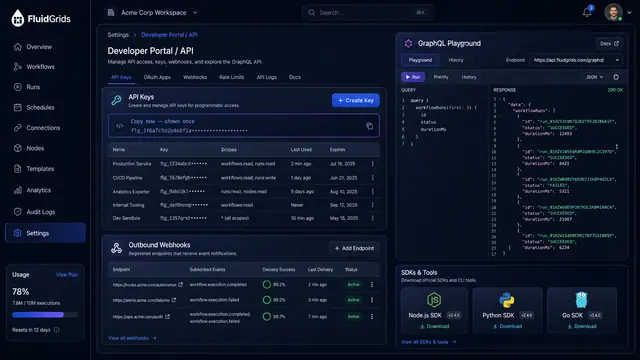
Developer API and MCP Agent Access
Scoped API keys, outbound webhooks, a GraphQL playground and SDKs, plus an MCP endpoint that turns workflows into agent tools.
2 illustrations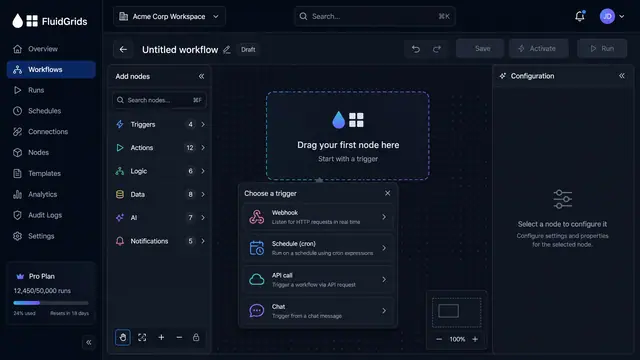
Visual Workflow Builder
Draw an automation on a canvas - trigger, branches, connectors and merges - then watch a test run light the same picture up step by step.
4 illustrations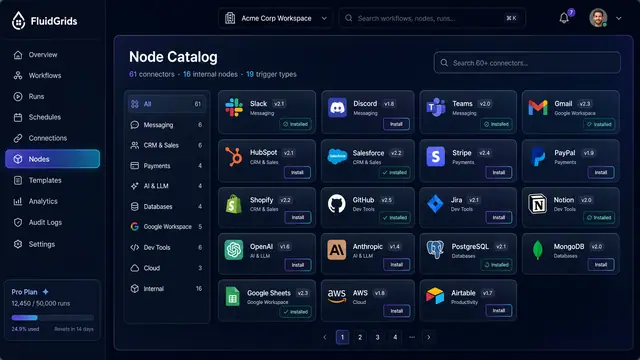
Node Catalog, Store and Custom Nodes
Browse versioned connectors, install packages and templates from a store, and publish your own nodes through a checked pipeline.
3 illustrations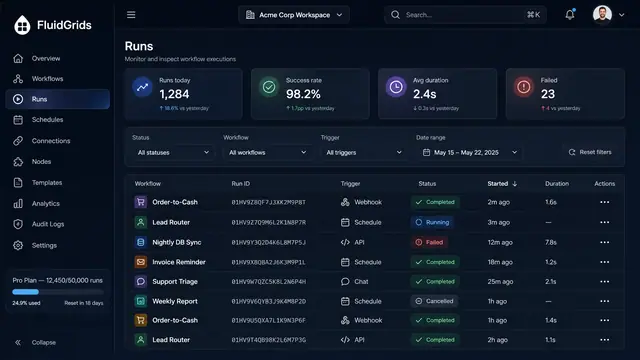
Run History, Inspection and Recovery
Follow every workflow execution node by node, then retry, resume or approve runs from a desktop or a phone.
5 illustrations