Somewhere in your Salesforce, your Airtable base, or that shared Google Sheet, a renewal date is quietly counting down — and nobody is looking at it. That is how renewals die: not from a bad negotiation, but from a good one that never started because the reminder lived in a spreadsheet no one opened until it was already too late. By the time someone notices a contract is three weeks from lapsing, the window for a proper review has collapsed, the customer feels rushed, and a six-figure line of ARR is suddenly at risk over an email that never got sent.
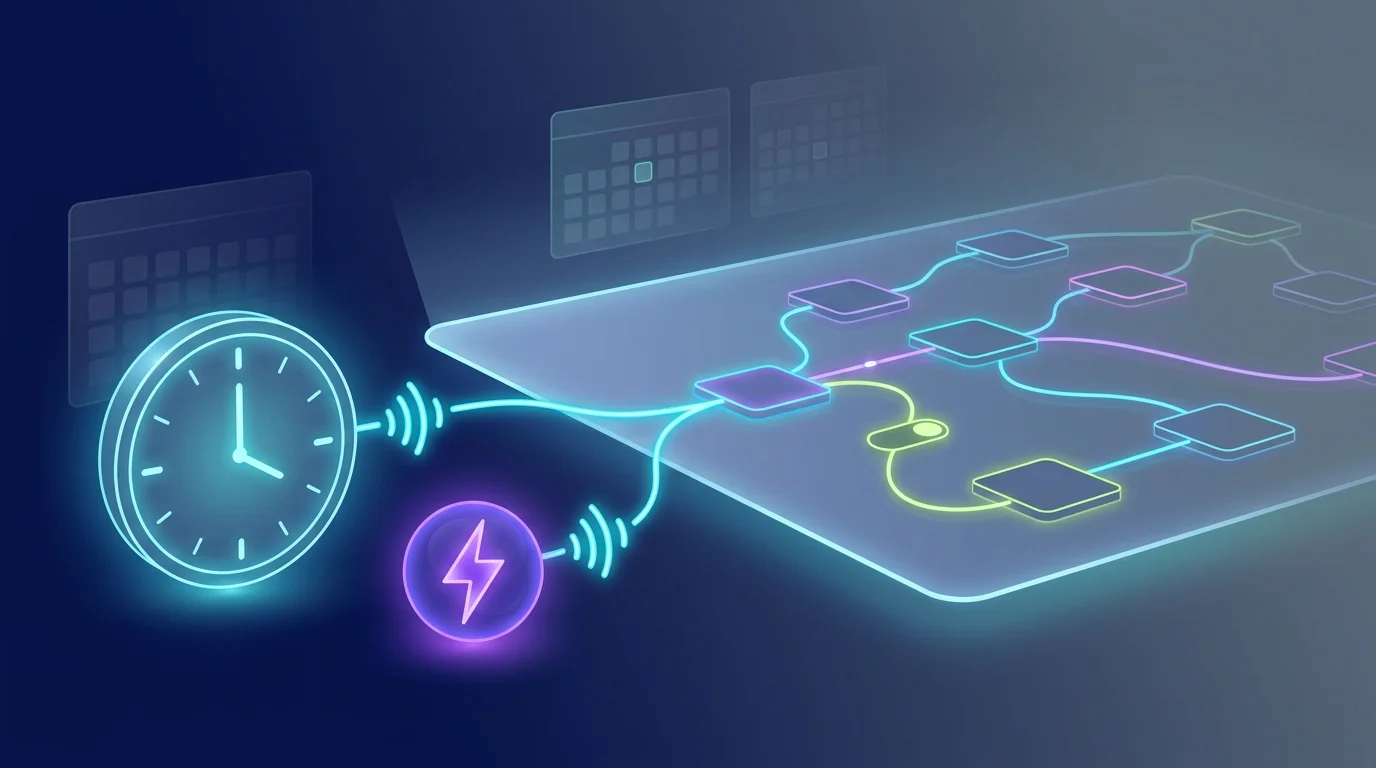
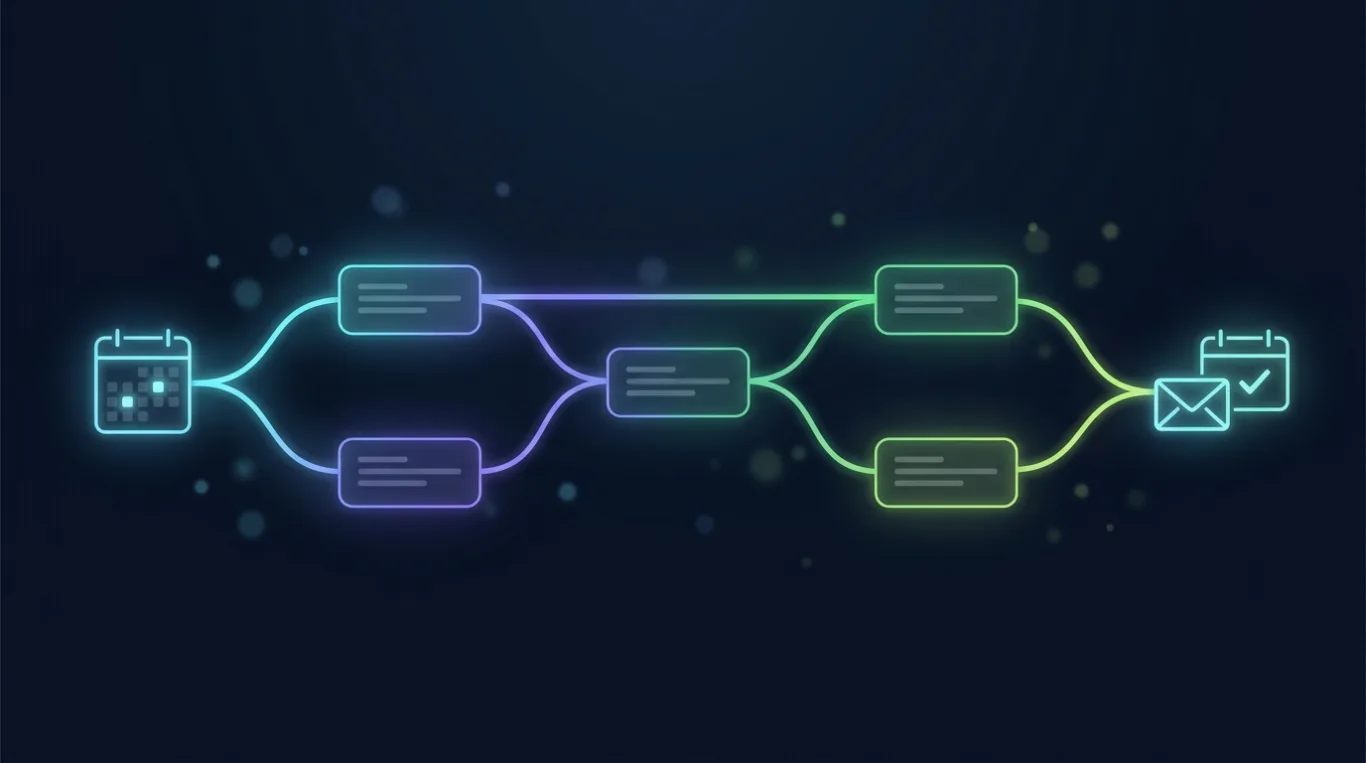
FluidGrids turns that countdown into a workflow that watches for you. Every morning a schedule trigger fires, and a connector node reads your contract registry — whichever system you already keep it in. A code node computes days-to-expiry for every active contract, and a filter passes only the ones landing exactly on a 90-, 60-, 30-, or 7-day mark. In one pass, the entire book is triaged: the handful of contracts that need attention today are separated from the thousand that don't, with zero human sorting.
Then it gets specific. A switch node routes each contract by tier, so a Strategic account and an SMB renewal travel down different branches with different playbooks. A HubSpot node pulls live context for each account — the contact's name, recent activity, open tickets — and hands it to an AI agent that drafts the email. The window sets the tone: a 90-day note is a warm 'let's start thinking about next year,' while a 7-day note is a direct 'we need to confirm before Friday.' The context sets the content, so every message reads like you wrote it, because it references the account's actual relationship with you.
SendGrid delivers each email from the owner's address, CC'ing the account owner on the accounts that warrant it. And for the tiers and windows where a conversation is overdue, a Google Calendar node doesn't just suggest a meeting — it books one, inviting the contact and the owner into a held slot inside the remaining window. 'We should talk about renewal' becomes an event on two calendars before anyone has to chase it.
Because it all runs on the canvas, you stay in control of the parts that matter. Want a human to approve outreach on your top accounts before it sends? Branch the Strategic tier to a review step and let the AI draft while a person signs off. Want to guarantee no contract is ever emailed twice for the same window? The exact-day match and a writeback to the registry handle that. When a registry read fails or a contact is missing, the run records a typed error on that one node and keeps the other accounts moving — no half-finished, unsafe blast.
Every morning's run is a replayable record you can open node by node: which contracts were caught, what was drafted, what was sent, and what was booked. The question 'did account 4187 get its 30-day notice?' stops being a forensic exercise and becomes a single click. Your team stops running the weekly manual sweep and gets back to the work that actually renews contracts — while the agent makes sure not a single one reaches its expiry date unattended.
Ready to make this your story?