Onboarding is the checklist everyone has and nobody trusts. Someone accepts an offer, and a People Ops coordinator starts a relay against the clock: build the onboarding plan, book orientation, file the IT tickets, announce the hire, create the folder, send the welcome email — thirty small acts across five systems, done slightly differently every time. The company only gets one Monday-morning first impression per hire, and it's riding on whether all thirty happened.
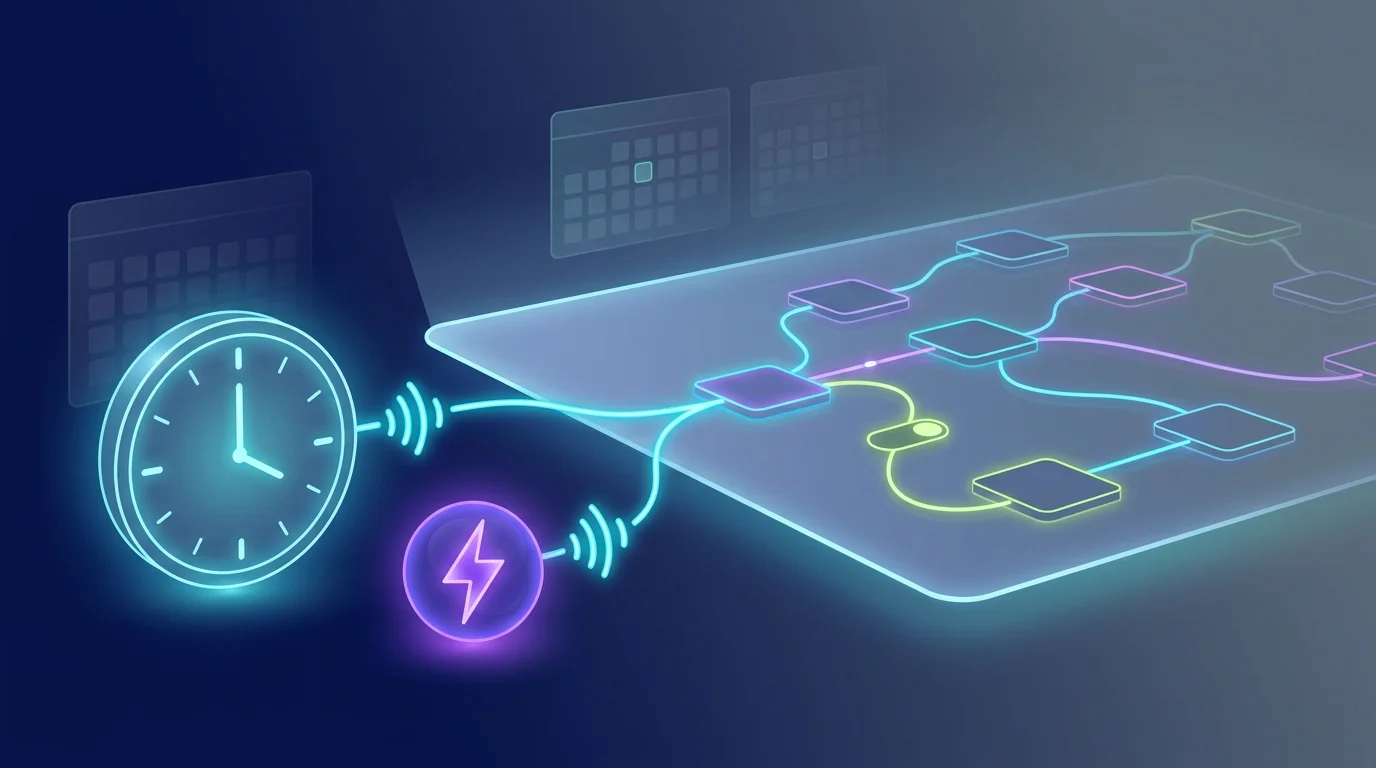
On FluidGrids, that relay becomes one workflow that fires itself. An ats trigger listens for the moment your applicant-tracking system marks a candidate hired, and out comes the identity payload — name, start date, title, department, manager. From there the run executes on background workers, off your laptop, whether you're watching or not.
The first node after the trigger is where the magic hides in plain sight: a switch reads department and role and picks the right branch. A backend engineer flows down the engineering path — a Jira project seeded with laptop, SSO, VPN, and repo-access tickets, an engineering onboarding template in Asana, a post to the eng channel. A sales hire flows down a different path — CRM seats, a territory doc, the revenue channel. Same workflow, no forked copies to keep in sync, and a default branch catches anything unmapped so no hire ever falls through.
Then the fan-out lands, node by node. Asana gets the role-appropriate onboarding plan with the manager and buddy assigned. Google Calendar books orientation, the benefits walkthrough, and a team intro against the real start date. Jira opens every access ticket, due day one. Slack posts the welcome so the team knows who's joining. Google Drive spins up an onboarding folder from the right template and shares it. And Gmail sends the personalized welcome that ties every link together — calendar, folder, manager — into the one message the new hire actually opens.
Because each step is its own node with typed errors, a flaky system doesn't sink the whole onboarding. If the Jira project key was renamed and access tickets fail, Asana, Calendar, Slack, Drive, and Gmail still complete — the hire isn't left with nothing. You fix the connection and retry that one node, no duplicate calendar invites, no double Slack posts. Every connector reads a workspace credential resolved at run time, so rotating a Google or Slack token is a one-place change, never a workflow edit.
Weeks later, when someone asks whether the March cohort actually got provisioned, you don't ask three departments and hope. You open the runs. Each one shows every node's input, output, and duration — a permanent record that this hire was made day-one ready. The checklist stops being a doc you trust and becomes the thing that runs.
Ready to make this your story?