Agent Action Approval Queue
Threshold rules per action type decide which agent-requested actions run straight through and which wait for a certified approver pool.
These images are illustrations of the concept, not screenshots of the actual product.
Overview
This concept is a FluidGrids approval queue for the actions AI agents request through workflows: goodwill credits, refunds, plan changes and account closures. The design envisions threshold rules for each action type that decide which requests run straight through, which pause for one approver and which need two, so automation can stay switched on while risky actions get a person.
In AI and automation programs, the choice is often framed as all or nothing: let the agent act, or switch it off. Letting it act unchecked puts money and accounts at risk, while routing everything to a person buries reviewers and slows every customer. Teams also struggle to see who may approve which action, and whether enough of them are available.
The illustration shows an Agent action approvals page under Runs, with header counts for requests waiting, actions auto-approved and rejected today, and the median wait. A Threshold rules panel sets out the rule for each action type: goodwill credits approved automatically up to a small amount, with one approver up to a higher limit and two above it or on a disputed account; refunds always reviewed by one approver; plan downgrades reviewed when they are the first for an account; and account closures needing two approvers. Each rule shows how many runs it held, and how many it approved automatically where it allows that, with an Edit rules link below. The Waiting for a person table lists each held run with its run ID, action, amount, the requesting Botlit agent, the rule that held it, approvals so far and time waiting. The selected goodwill credit is held because it is above the upper limit on a disputed account, and an action bar notes that two approvers are required with one approved, names the viewer as the second approver and offers Approve, Reject and Open run. An Approver pools from BuildMyIQ panel on the right compares each pool's certified reviewers with its minimum and flags the billing pool as below minimum, with more people on leave next week, and a chart compares the median wait across the billing, refunds and account changes pools.
Two other Burdenoff products take part by design. In this design, Botlit agents raise the requests that the workflows carry, and the queue names the agent behind each one. BuildMyIQ is designed to supply the certified reviewer roster that each approver pool is drawn from, so a thin pool shows up before it becomes a bottleneck. FluidGrids holds the rules, the pause and the decision: the run resumes or stops with the decision kept on the run record, and the design also envisions approvers deciding from the run view on a phone.
What this concept shows
- Threshold rules per action type for goodwill credits, refunds, plan downgrades and account closures, each with a count of held runs and, where allowed, auto-approved runs
- Header counts for waiting requests, actions auto-approved and rejected today, and the median wait
- A Waiting for a person table with run, action, amount, requesting Botlit agent, the rule that held it, approvals and time waiting
- Two-approver rules that show progress, such as one of two approved, with the viewer named as the second approver
- Approve, Reject and Open run actions directly from the queue
- Approver pools drawn from BuildMyIQ's certified reviewers, with pool size against its minimum and a below-minimum warning
- A median wait by pool chart that makes the slowest pool stand out
How it works
- A Botlit agent requests an action, such as a goodwill credit or a refund, through a FluidGrids workflow.
- The threshold rule for that action type decides whether it runs straight through, needs one approver or needs two.
- Held runs appear in the Waiting for a person queue with the rule that held them, their approvals and how long they have waited.
- An approver from the BuildMyIQ-certified pool for that action type approves or rejects the request, or opens the run for detail.
- Once enough approvals are in, the run resumes; a rejection stops it, and the decision stays on the run record.
- Pool size against its minimum and the median wait per pool show where more certified approvers are needed.
Who it's for
- AI operations and automation leads
- Customer operations and support managers
- Billing and account approvers
- Risk and controls teams
- Training and certification managers
Illustrations
1 illustration of this concept. Select one to view it full size.
Agent Action Approvals Queue with Certified Pools
The illustration shows an Agent action approvals page in FluidGrids, with header counts for waiting requests, actions auto-approved and rejected today and the median wait. A Threshold rules panel lists rules for goodwill credits, refunds, plan downgrades and account closures, each with a sample count of held runs, plus auto-approved runs for the rules that allow them, above an Edit rules link. The central Waiting for a person table lists held runs with run ID, action, amount, requesting Botlit agent, the rule that held it, approvals and time waiting; the top row, a goodwill credit above the upper limit on a disputed account, is highlighted. Below it, an action bar shows two approvers required with one approved, names the viewer as second approver and offers Approve, Reject and Open run. On the right, Approver pools from BuildMyIQ compare certified reviewers with each pool's minimum and warn that the billing pool is below minimum, and a bar chart shows the median wait by pool.
Topics
- AI agent action approval
- human in the loop approval queue
- agent guardrails workflow
- threshold approval rules
- two-person approval for refunds
- approval queue for AI agents
- certified approver pool
- agentic automation governance
- refund approval workflow
- goodwill credit approval
Related concepts
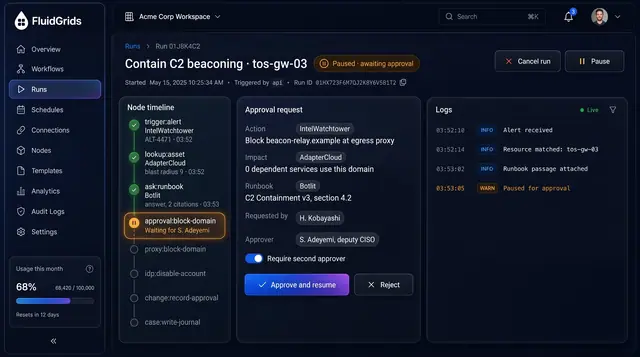
SOC Containment Playbook Approvals
Run containment as a playbook that pauses for a named approver before anything is blocked or disabled.
2 illustrations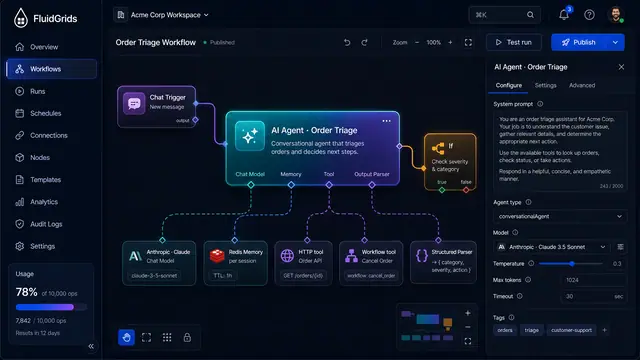
AI Agents and Conversational Workflows
An agent node with pluggable model, memory, tool and parser ports, driven by chat and traced tool call by tool call.
4 illustrations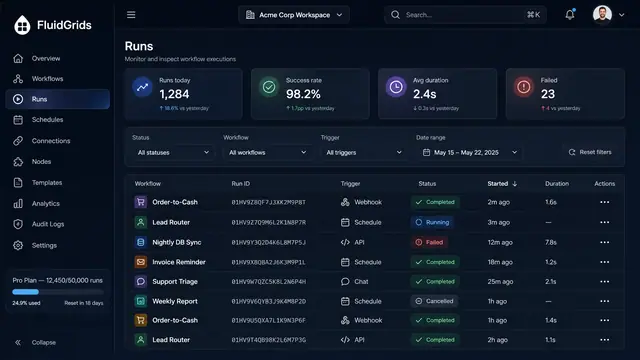
Run History, Inspection and Recovery
Follow every workflow execution node by node, then retry, resume or approve runs from a desktop or a phone.
5 illustrations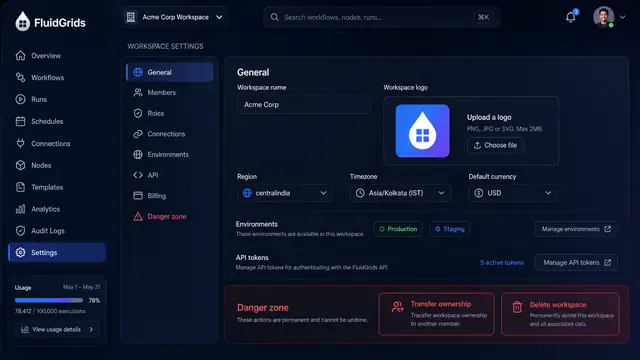
Workspace Settings, Roles and Audit Trail
Configure a workspace, decide who can do what with a role matrix, and trace every change in a filterable audit log with diffs.
3 illustrations
Part of an industry solution
This concept appears in a cross-product solution on burdenoff.com — see how it works alongside other Burdenoff products to solve a problem in that industry.