Audit Sample Evidence Request Workflow
Turn a sample selection into one tracked request per item, with reminders, uploads and the tester's sign-off before anything counts as done.
These images are illustrations of the concept, not screenshots of the actual product.
Overview
This concept is a FluidGrids workflow for collecting audit evidence, for external audit teams and internal auditors alike. Once the senior has selected a sample, each item needs its own supporting documents from whoever at the client holds them, and nothing should count as complete until the tester has looked at it. The design envisions the request cycle as one run: one request per sample item, routed to the right owner, chased on a set cadence and signed off by the tester.
In accounting, tax and audit work, sample requests are usually a spreadsheet and a string of emails. The client's accounts payable, receiving and treasury teams each get a share of the list, the audit team loses track of which items are still outstanding, and missing pieces surface late in fieldwork.
The illustration shows the Sample Evidence Requests workflow on the builder canvas, on an active version with Validate and Run controls, for a sample year-end audit. A form trigger receives the submitted sample selection, and a ProServiceWorld step reads the matching item on the engagement's PBC list, here a purchases item. A split step creates one request per sample, and a route-by-owner rule sends each down an accounts payable, receiving or treasury path. Every request is posted to the ProServiceWorld client upload room, with a Botlit step alongside to notify the owner and answer questions. A wait step holds each request for its upload, with reminders on day 3 and day 7, and loops until it arrives. A tester review approval follows; accepted evidence is filed in ProServiceWorld, while an exception branch catches missing pieces such as a missing receiving report. Nodes carry sample counts for requests posted, waiting, awaiting the tester, filed and in exception. A side panel sums up today's run with samples selected, evidence complete, waiting on client, awaiting tester, exceptions and the oldest open sample, and the logs record the selection, the requests posted and a sample routed to the tester because its receiving report was missing.
Two other Burdenoff products take part by design. ProServiceWorld is designed to hold the engagement's PBC list, the client upload room where owners respond and the document register where accepted evidence is filed against the request and sample number. A Botlit assistant is designed to be on hand for client owners who need to know what a request is asking for. FluidGrids holds the split, the routing, the reminders and the pause for the tester. Audit judgments stay with the audit team: the workflow chases the evidence, and the tester decides whether it is sufficient and what an exception means.
What this concept shows
- A form trigger that starts the run when the senior submits a sample selection
- A ProServiceWorld step that reads the matching item on the engagement's PBC list
- A split step that creates one request per sample item, and a rule that routes each to accounts payable, receiving or treasury
- Requests posted to the ProServiceWorld client upload room, with a Botlit step to notify owners and answer their questions
- A wait step with reminders on day 3 and day 7 that loops until the upload arrives
- A tester review approval before evidence is filed, with an exception branch for missing pieces
- A run summary with samples selected, evidence complete, waiting on client, awaiting tester, exceptions and the oldest open item
How it works
- The senior submits the sample selection through a FluidGrids form.
- The run reads the matching PBC list item in ProServiceWorld and splits the selection into one request per sample item.
- A routing rule sends each request to the client owner responsible, such as accounts payable, receiving or treasury.
- Each request is posted to the ProServiceWorld client upload room, and Botlit notifies the owner and answers questions about what is needed.
- The run waits for each upload, sending reminders on day 3 and day 7.
- The tester reviews and approves each item; missing pieces become exceptions for the tester to judge.
- Accepted evidence is filed in the ProServiceWorld document register against the request and sample number.
Who it's for
- Audit seniors and in-charges
- Audit testers and staff auditors
- Internal audit teams
- Audit managers
- Client finance teams answering audit requests
Illustrations
1 illustration of this concept. Select one to view it full size.
Sample Evidence Request Workflow with Today's Run
The illustration shows the FluidGrids builder with a Sample Evidence Requests workflow on an active version, with Validate and Run controls. On the canvas, a form trigger for a submitted sample selection feeds a ProServiceWorld step that reads a purchases item on the PBC list, a split into one request per sample and a route-by-owner rule with accounts payable, receiving and treasury paths. The paths meet at a ProServiceWorld step that posts requests to the client upload room, with a Botlit step above it to notify owners and answer questions. A wait step with reminders on day 3 and day 7 loops back on itself, and a tester review approval then leads either to ProServiceWorld evidence filing or to an exception for a missing receiving report. Nodes carry sample counts. A side panel summarizes today's run for a sample year-end audit, flags exceptions and shows the oldest open sample, and the logs end with a warning that a sample was routed to the tester.
Topics
- audit evidence request workflow
- PBC list automation
- audit sample evidence collection
- audit request tracking
- client upload room for audit evidence
- audit evidence reminders
- internal audit evidence workflow
- year-end audit sample testing
- audit exceptions tracking
- prepared by client request automation
Related concepts
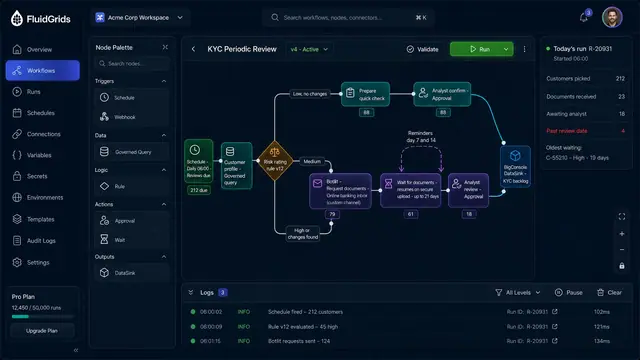
KYC Periodic Review Orchestration
A scheduled review workflow that sorts customers by risk, requests documents through Botlit and waits for an analyst's decision.
1 illustration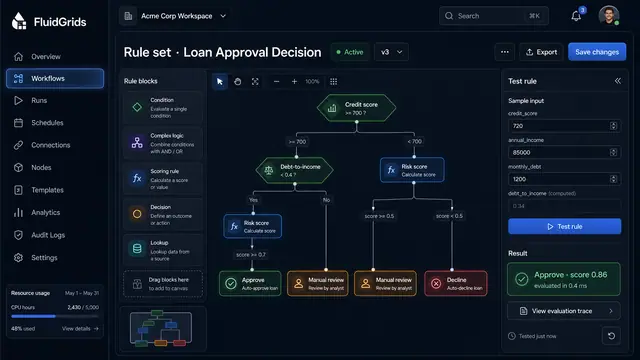
Visual Decision Rules
Build a process's decision logic as a versioned tree of conditions, scores and outcomes, and test it against sample inputs.
1 illustration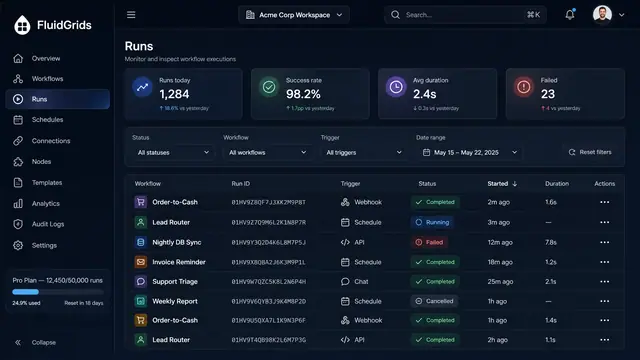
Run History, Inspection and Recovery
Follow every workflow execution node by node, then retry, resume or approve runs from a desktop or a phone.
5 illustrations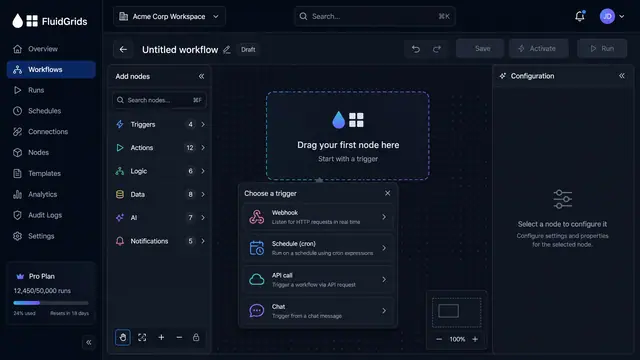
Visual Workflow Builder
Draw an automation on a canvas - trigger, branches, connectors and merges - then watch a test run light the same picture up step by step.
4 illustrations
Part of an industry solution
This concept appears in a cross-product solution on burdenoff.com — see how it works alongside other Burdenoff products to solve a problem in that industry.