SOC Containment Playbook Approvals
Run containment as a playbook that pauses for a named approver before anything is blocked or disabled.
These images are illustrations of the concept, not screenshots of the actual product.
Overview
This concept is a FluidGrids containment playbook for security operations centers whose response actions can take mission systems offline. In security, defense and intelligence settings, blocking a domain or disabling an account in the wrong place can disrupt the very systems the team is there to protect. The design runs containment as a workflow that gathers context first and then stops before each disruptive step until a named person approves it.
Containment tends to mix automation that acts too fast with manual steps that are recorded too late. Analysts copy indicators between consoles, look up which services depend on a host, search a runbook for the right section and ask for permission in a chat thread. The approval, the evidence behind it and the result end up in different places.
The first illustration shows a paused run of a playbook to contain command-and-control (C2) beaconing from a gateway host. Its node timeline records the steps already done: an alert trigger from IntelWatchtower, an asset lookup in AdapterCloud with a blast-radius figure, and a Botlit runbook answer with two citations. The run waits at a block-domain approval for a named approver, with the proxy block, an identity provider account disable, a change-record approval and a case-journal entry still to come. The Approval request panel sets out the proposed action, its impact on dependent services, the runbook section, the requester and the approver, with a Require second approver toggle and Approve and resume or Reject buttons. The second illustration shows the same request on a phone, beneath the push notification that is designed to open it, with the alert, asset and blast radius, the completed steps, the Botlit runbook answer and Approve and Reject buttons.
The design treats each of the other Burdenoff products as a source of evidence. IntelWatchtower is designed to supply the indicator and the case, AdapterCloud the dependency and blast-radius summary, and a Botlit agent the relevant runbook passage, while FluidGrids orders the steps, pauses them and records every approval, rejection and result. The closing steps are designed to write the approval and the run summary back to the linked emergency change and the case journal, and steps marked high impact are designed to require a second approver.
What this concept shows
- A playbook that gathers context before acting: the alert from IntelWatchtower, the asset and blast radius from AdapterCloud and a runbook passage from Botlit
- A node timeline that marks completed, paused and pending steps, with times on the completed steps
- An approval step that holds the run before a disruptive action, such as blocking a domain at the egress proxy
- An approval request showing the action, its impact on dependent services, the runbook section, the requester and the named approver
- A Require second approver toggle, designed for steps marked high impact
- Approve and resume or Reject in the desktop run view, with Cancel run and Pause controls for the whole run
- A push notification designed to open the mobile run detail, with the Botlit runbook answer above Approve and Reject
- Closing steps designed to record the approval on the change and write the run summary to the case journal
How it works
- An IntelWatchtower alert starts the containment playbook through an API trigger.
- The playbook looks up the affected asset and its blast radius in AdapterCloud and asks a Botlit agent for the matching runbook passage.
- Before the domain is blocked, the run pauses and sends the named approver an approval request with the evidence.
- The approver reviews it on a desktop or taps the push notification on a phone, then approves or rejects; a second approver can be required.
- On approval, the run resumes to block the domain at the egress proxy, and the design envisions the same pause before other disruptive steps such as disabling an account.
- The closing steps are designed to record the approval on the linked emergency change and write the run summary to the case journal.
Who it's for
- SOC analysts and incident responders
- SOC managers and security operations leads
- Deputy CISOs and other named approvers
- Security automation engineers
- Change managers for mission systems
Illustrations
2 illustrations of this concept. Select one to view it full size.
Containment Run Paused for Approval
The illustration shows a run detail for a playbook to contain C2 beaconing from a gateway host, badged paused and awaiting approval, with its start time, an API trigger, a run ID and Cancel run and Pause buttons. The Node timeline shows three completed steps: an IntelWatchtower alert trigger, an AdapterCloud asset lookup with a blast-radius count, and a Botlit runbook answer with two citations. A highlighted block-domain approval waits for a named approver, ahead of pending steps to block the domain at the proxy, disable an identity provider account, record the change approval and write to the case journal. The Approval request panel tags each line with its source product: the proposed block of a sample domain at the egress proxy (IntelWatchtower), no dependent services affected (AdapterCloud) and a runbook section (Botlit). It names the requester and a deputy CISO as approver, shows Require second approver switched on, and offers Approve and resume or Reject. Live logs end with a warning that the run paused for approval.
Approving a Containment Step on a Phone
The illustration shows a phone receiving a FluidGrids push notification that approval is needed to contain C2 beaconing, above the Run detail screen it is designed to open. A header card names the playbook with a Paused badge and lists the alert with its high severity, the affected gateway asset, a blast-radius count and the time the approval was requested. A step list shows alert received, asset looked up and runbook attached as completed, each with a duration and an expand control, and the step to block the domain at the proxy marked as awaiting you. A Botlit runbook answer card advises blocking at the proxy first and not isolating the gateway without sign-off, and cites the runbook version and section. Large Approve and Reject buttons sit above a tab bar for Home, Workflows, Runs, Alerts and Me.
Topics
- SOC containment playbook
- security orchestration approval workflow
- human approval before containment
- incident response automation with approvals
- block domain at egress proxy workflow
- disable account playbook approval
- SOAR approval step
- mobile security approval
- two-person approval for containment
- C2 beaconing containment
Related concepts
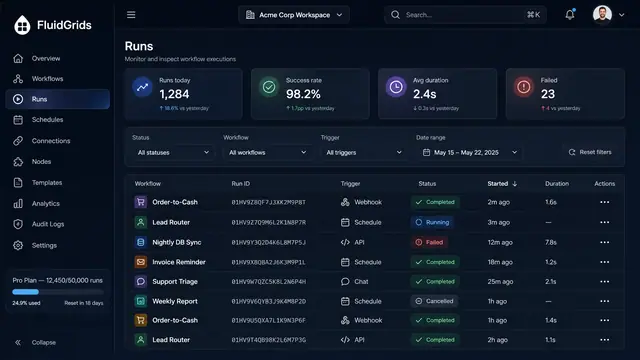
Run History, Inspection and Recovery
Follow every workflow execution node by node, then retry, resume or approve runs from a desktop or a phone.
5 illustrations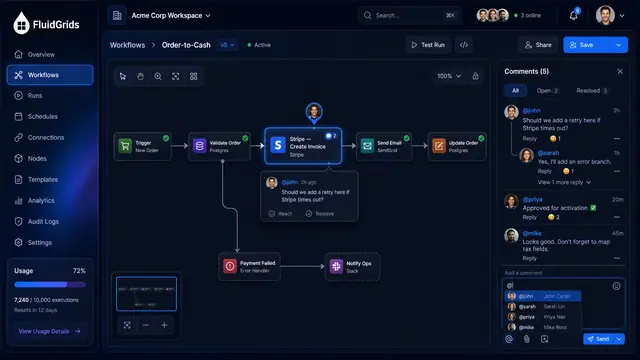
Comments and Notifications
Discuss a workflow on the node it concerns, mention teammates, and follow runs, quota and mentions from one notifications center.
2 illustrations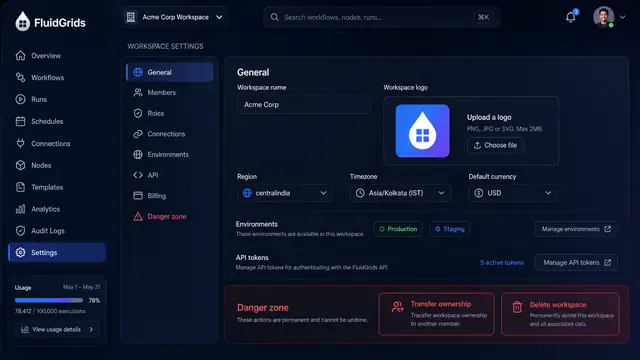
Workspace Settings, Roles and Audit Trail
Configure a workspace, decide who can do what with a role matrix, and trace every change in a filterable audit log with diffs.
3 illustrations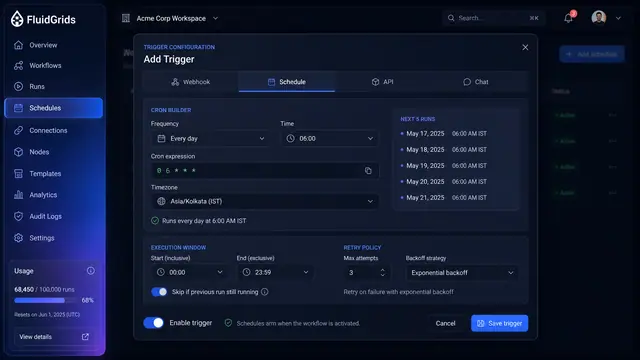
Triggers, Schedules and Webhooks
Decide what starts a workflow — a cron schedule, an incoming request, an API call or a chat message — and keep every trigger under control.
3 illustrations
Part of an industry solution
This concept appears in a cross-product solution on burdenoff.com — see how it works alongside other Burdenoff products to solve a problem in that industry.