Transit Service Alert Publishing Workflow
One approved disruption notice sent to the website, app, social channels, stop displays and Botlit, with identical stop wording.
These images are illustrations of the concept, not screenshots of the actual product.
Overview
This concept is a FluidGrids workflow for the service alerts of a transit agency. When part of a rail line stops running and buses replace the trains, riders look for news on the website, the rider app, social channels, stop displays and an assistant. The design envisions one run that drafts a single notice, has it approved and publishes that same text to every channel, so stop names and times never differ from one place to the next.
In transportation and mobility, disruption notices are often written several times over by different people under time pressure. The website names one stop, the social post another, and the signs still show an earlier version after dispatch has changed the plan. Riders end up comparing channels, and the customer information team spends the disruption correcting its own messages.
The illustration shows the run detail for a bus bridge notice between two stations, badged as published, with a note that a webhook from a rail control request started it; the design also allows a dispatcher to start the run by hand. A node timeline marks each step complete: the webhook trigger, fetching the bus bridge plan from MoveTheWheels, drafting the notice from a service alert template, approval by a named approver from customer information, and publishing with five of five channels sent. A last step waits for a plan change. The Approved notice panel holds the text riders read: which section is closed, where the shuttle buses stop and how often they run, that the shuttles are accessible and that passes and tickets are accepted, with a chip confirming that the stop names match the plan version the run fetched. Channel previews show the same opening line for the website banner, the rider app, a social post, stop displays across a set of signs and the Botlit service alerts knowledge base, each with a sent or updated time. A Next update card explains that the run republishes when dispatch changes the plan and counts today's revisions, and the header offers Republish from latest plan and Publish all-clear.
Two other Burdenoff products take part by design. MoveTheWheels is designed to supply the bus bridge plan and its stop list, so the notice is built from the same plan dispatch is running. Botlit is designed to receive the approved text in its service alerts knowledge base, so an assistant answering riders gives the same stops and times as the signs. FluidGrids holds the sequence, the approval and the delivery status for each channel. When dispatch republishes the plan, a new run is designed to update the notice everywhere, and ending the bus bridge publishes the all-clear.
What this concept shows
- A run started by a webhook from a rail control request, with a dispatcher's manual start also envisioned
- A plan step that fetches the bus bridge plan and its stop list from MoveTheWheels
- A notice drafted from a service alert template and held for approval by customer information
- One approved text, with a chip confirming that its stop names match the plan version the run fetched
- Channel previews for the website banner, rider app, social post, stop displays and Botlit, each with its own delivery status and time
- A wait step for plan changes, with a Next update card and a count of today's revisions
- Republish from latest plan and Publish all-clear actions in the run header
How it works
- A rail control request reaches the workflow through a webhook, or a dispatcher starts the run by hand.
- The run fetches the bus bridge plan and its stop list from MoveTheWheels.
- A notice is drafted from the service alert template using the plan's stop names and times.
- The customer information lead reviews the notice and approves it in an approval step.
- The single approved text is published to the website banner, rider app, social channels and stop displays and loaded into Botlit's service alerts knowledge base, with a status for each channel.
- The run waits for a plan change; when dispatch republishes the plan, a new run updates the notice everywhere.
- When the bus bridge ends, Publish all-clear publishes the all-clear.
Who it's for
- Customer information leads at transit agencies
- Rail and bus dispatchers
- Transit operations control staff
- Digital channel and web teams
- Rider support teams
Illustrations
1 illustration of this concept. Select one to view it full size.
Bus Bridge Notice Run Published to Every Channel
The illustration shows a FluidGrids run for a service alert on a sample rail line: a bus bridge notice between two stations, badged as published, with Republish from latest plan and Publish all-clear buttons and a note that a webhook from a rail control request triggered it. The Node timeline lists completed steps with times: the webhook trigger, a fetch of the MoveTheWheels bus bridge plan, a draft from the service alert template, approval by a named approver from customer information, and publishing with five of five channels sent, followed by a pending wait for a plan change. The Approved notice panel gives the closed section, the shuttle stops and frequency, accessibility and ticket acceptance, with a chip confirming the stop names match plan version two. Channel previews repeat the same opening line for the website banner, rider app, social post, stop displays and the Botlit service alerts knowledge base. A Next update card says the run republishes when dispatch changes the plan and counts revisions today.
Topics
- transit service alert automation
- bus bridge notice workflow
- rail disruption notice publishing
- multi-channel rider alerts
- service alert approval workflow
- stop display alert publishing
- rider app disruption notices
- transit customer information workflow
- public transport disruption communication
- consistent service alerts across channels
Related concepts
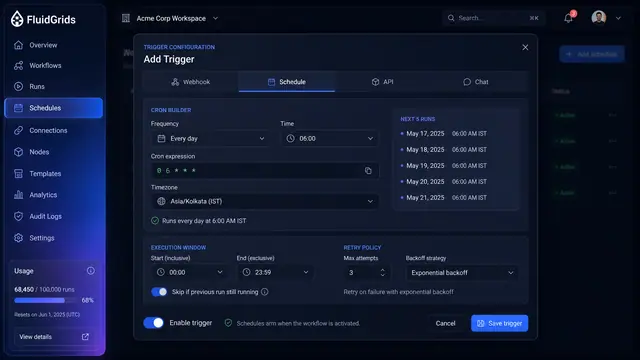
Triggers, Schedules and Webhooks
Decide what starts a workflow — a cron schedule, an incoming request, an API call or a chat message — and keep every trigger under control.
3 illustrations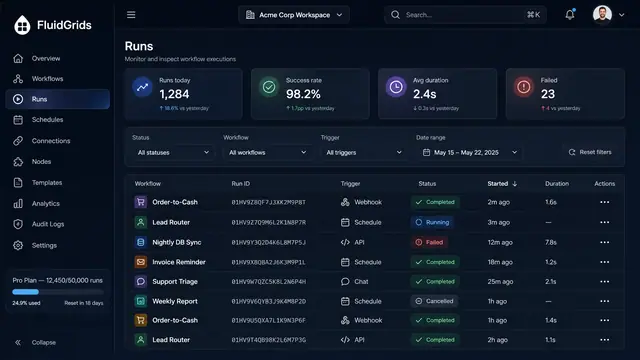
Run History, Inspection and Recovery
Follow every workflow execution node by node, then retry, resume or approve runs from a desktop or a phone.
5 illustrations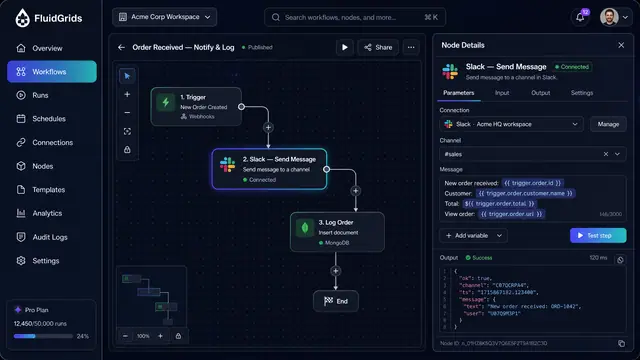
Node Configuration, Data Mapping and Code
Configure a step against a saved connection, map fields between services by dragging lines, and drop into sandboxed code when needed.
3 illustrations
Part of an industry solution
This concept appears in a cross-product solution on burdenoff.com — see how it works alongside other Burdenoff products to solve a problem in that industry.