
AI-Authored Workflows and Nodes
Describe an automation, or a missing integration, in plain language and get back an editable draft you can open in the builder.
These images are illustrations of the concept, not screenshots of the actual product.
Overview
AI-Authored Workflows and Nodes covers the part of FluidGrids where an automation starts as a sentence instead of a blank canvas. The illustrations envision a person typing what they want to happen — a payment lands, a contact is created, a summary is posted to a team channel — and the product drafting the graph, naming each step and handing back something that can be opened and edited like any other workflow.
Two things usually stall automation work. The first is the empty canvas: you have to know which trigger to reach for and which node does the job before you can draw anything. The second is the missing connector: the catalog covers a great many services, but never the exact one someone needs today. The concept answers both from the same conversational surface, so the answer to "I don't know where to start" and "there is no node for this" is the same box.
Across the three screens the idea builds up in stages. A dedicated studio view takes a free-text description, offers follow-up questions and improvement suggestions, then streams a draft graph node by node with a step counter and hand-off buttons to the builder. An assistant panel docked beside the workflow list does the same work in context: it creates a draft entry in the table, explains which steps it chose, flags that accounts still need connecting, and offers shortcuts to open the workflow or bind its connections. A second tab in that panel turns the assistant on the catalog itself, scaffolding a connector package for a service that has no node yet, listing the assumptions it made about operations and credential type, and producing a versioned package to download.
Everything the assistant produces lands in the ordinary lifecycle rather than a parallel one. Drafts carry a version and a draft status, they open on the visual canvas for node-by-node configuration, they still need credentials bound before activation, and once published they run, log and are monitored like hand-drawn workflows. The design treats generation as a faster first draft — not as a separate runtime and not as a replacement for review.
What this concept shows
- A free-text description box with a character counter and a single generate action that turns a sentence into a workflow draft
- Follow-up questions from the assistant that surface the decisions a description leaves open, such as which record stage or which message details to use
- Suggestion chips for common hardening steps, including adding error handling and notifying someone on failure
- A live draft panel that fills in node by node against a step counter, with completed steps checked off and the next one still forming
- Hand-off actions that move a generated draft straight into the visual builder, or regenerate it from the same description
- An assistant docked beside the workflow list that creates a draft row in place, names the node types it used and warns which connections are still missing
- A node-building mode that scaffolds a connector package for a service the catalog does not cover, states its assumptions and offers a downloadable package
- An empty catalog slot for an unsupported service that doubles as an entry point to build one
How it works
These steps illustrate how the concept fits together — not a walkthrough of the product's current interface.
- Open the studio view and describe the automation in plain language, watching the character counter as you type.
- Answer the follow-up questions the assistant raises and add suggested hardening steps such as error handling or failure alerts.
- Generate the workflow and watch the draft assemble step by step in the preview panel until the step counter completes.
- Move the draft into the visual builder to configure each node, or regenerate from a revised description if the shape is wrong.
- From the workflow list, use the docked assistant to create further drafts in context and follow its shortcut to bind the connections it flagged.
- Switch the assistant to node-building mode when the catalog has no node for a service, review the assumptions it lists, and take the scaffolded package.
Who it's for
- Operations and automation leads who know the outcome they want but not the node palette
- Business analysts and process owners drafting automations without engineering help
- Developers who want a scaffolded starting point for a new connector instead of an empty project
- Solution consultants and agency teams standing up many similar automations for different clients
Illustrations
3 illustrations of this concept. Select one to view it full size.
Plain-Language Studio With a Streaming Draft
This illustration shows a full-width studio view inside the workspace shell, with the left navigation listing overview, workflows, runs, schedules, connections, nodes, templates, analytics, audit logs and settings above a monthly run-usage meter. The heading carries an early-access badge and a one-line explanation. A card on the left holds a sample description of an automation — a payment succeeding, a contact being created, a summary posted to a team channel — with a character counter, a prominent generate button, suggestion chips for error handling and failure alerts, and three numbered follow-up questions about filtering, record stage and message content. The right panel is labeled as a draft and counts three of three steps, stacking a trigger card, a create-contact card and a posting card connected by insert points; the first two are checked and the last is still forming. Buttons offer editing in the builder or regenerating, beside a note that outputs may vary.
Assistant Drafting Beside the Workflow List
The design places an assistant panel beside the workflow library. A deep left navigation groups core modules, workspace modules such as collaboration, tags, permissions and vault, and global modules including administration, billing and the developer portal. The main area shows a breadcrumb, a workflow search field, a new-workflow button and a table with name, key, status, trigger, last run and version columns; sample rows mix draft and active badges against schedule, webhook, API and manual triggers, with version numbers and relative last-run times. The top row is highlighted as the workflow just created. In the panel, tabs switch between workflow and node building; a sample request asks for a morning mail digest posted to a chat channel, and the reply names the draft it created, the node types it chose, and the accounts that must be connected before activation. Two buttons open the workflow or bind its connections.
Node-Building Mode for a Missing Connector
Here the assistant is pointed at the connector catalog. The main area shows a marketplace breadcrumb, a node search field and buttons to register a node or refresh the catalog, over a grid of package cards that each pair a service name with its catalog identifier and an installed or available state. A dashed placeholder card marks a service with no node yet and invites the viewer to build one. The side panel's node-building tab explains that describing an integration will scaffold a FluidGrids node and return a downloadable package. A sample request asks for a node that posts a message to a chat service; the reply lists the package contents it generated, then an assumptions block naming the two operations it implemented and the credential type it assumed, followed by a button to download the versioned package.
Topics
- natural language workflow builder
- AI generated automation
- text to workflow
- AI workflow assistant
- build a custom connector
- node scaffolding
- describe an automation in plain English
- workflow draft generation
- AI automation studio
- AI connector node builder
Related concepts
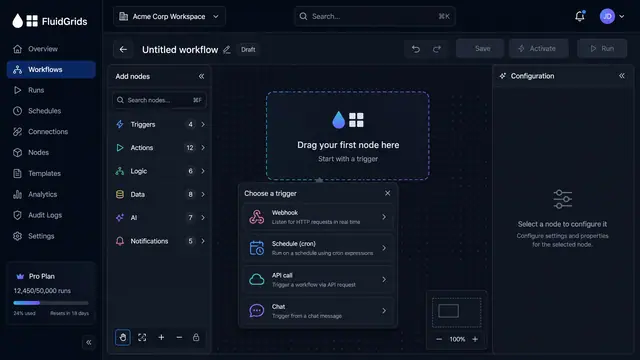
Visual Workflow Builder
Draw an automation on a canvas - trigger, branches, connectors and merges - then watch a test run light the same picture up step by step.
4 illustrations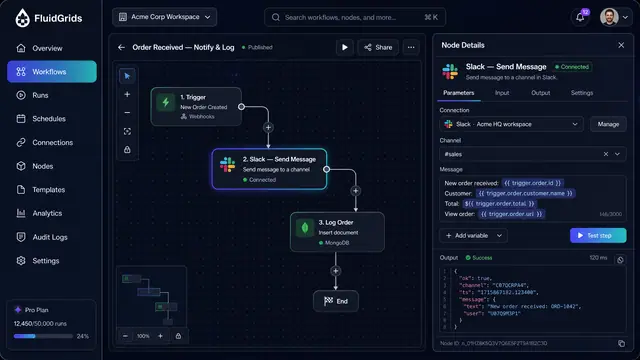
Node Configuration, Data Mapping and Code
Configure a step against a saved connection, map fields between services by dragging lines, and drop into sandboxed code when needed.
3 illustrations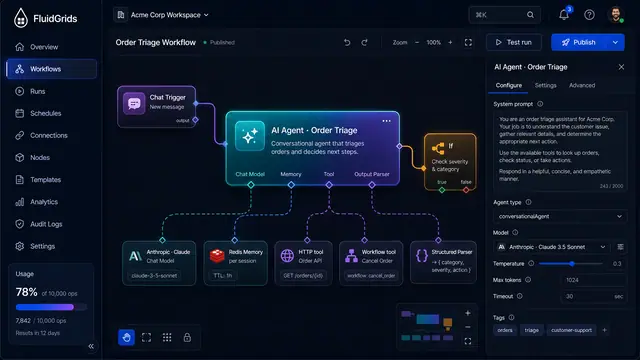
AI Agents and Conversational Workflows
An agent node with pluggable model, memory, tool and parser ports, driven by chat and traced tool call by tool call.
4 illustrations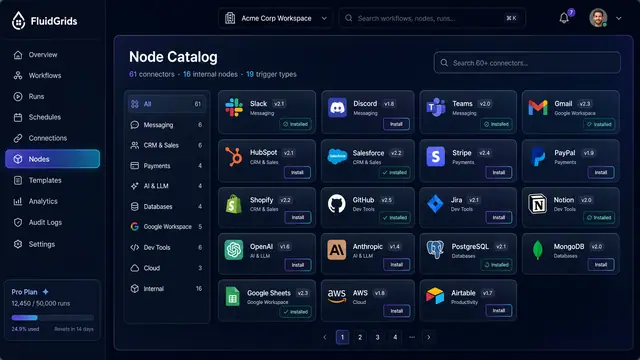
Node Catalog, Store and Custom Nodes
Browse versioned connectors, install packages and templates from a store, and publish your own nodes through a checked pipeline.
3 illustrations